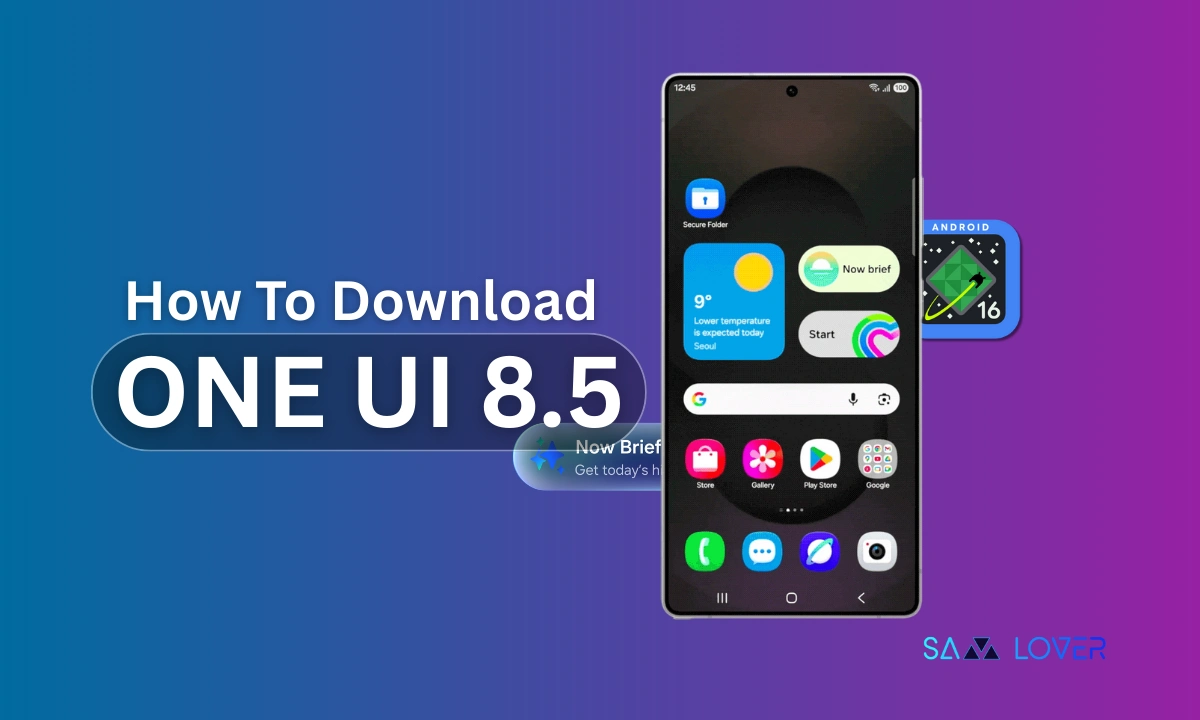
Samsung finally got some good news for the Galaxy users after a month of leaks of One UI 8.5. While the company started rolling out the One UI 8.5 beta update for the Galaxy S25 series, here’s how users can participate and download the latest beta channel on the Galaxy smartphones.
Well, Samsung has opened up the latest Android 16-based One UI 8.5 beta program for the Galaxy S25, Galaxy S25+, and Galaxy S25 Ultra, which is now for the Galaxy audience residing in the US, UK, South Korea, and Germany, at least for now, while later the beta update will be expanded in India and Poland as well.
However, the One UI 8.5 changelog has already leaked previously, the latest version brought about a handful of key features and upgrades, including smoother Galaxy AI experience such as Photo Assist, more improved Bixby, smarter connectivity, audio broadcast, voice broadcast, enhanced Quick Share, improved Weather app with integrated Pollen index card, upgraded Samsung Health, enhanced security and privacy, the ability to turn off Auto Blocker, and much more.
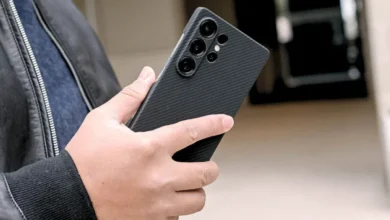
Meanwhile, Samsung’s One UI 8.5 beta program is now live, and thus, Galaxy users can download the latest One UI 8.5 software on the Galaxy S25 series phones, as these are the only ones who are eligible to receive the newest build.
At the same time, it’s important to note that the interested users who are supposed to participate in the latest beta channel need to hurry, as Samsung can close this beta program anytime.
How to apply for One UI 8.5 beta?
Therefore, here is are entire process on how Galaxy users can download the latest One UI 8.5 software. First up, users need to apply for the One UI 8.5 beta. For this:
- Get into the Samsung Members app.
- Ensure that you are signed in with your Samsung Account in the Samsung Members app in order to join the beta program.
- Now, look for the One UI 8.5 beta program banner that can be seen at Beta program Home at the bottom.
- Tap on the banner, follow all the prompts to apply for the beta, and accept the terms and conditions.
- Lastly, once you are enrolled and tap to join.
How to download the One UI 8.5 beta for Samsung Galaxy smartphones?
Now that you have applied for the latest One UI 8.5 beta program, here are the steps you can follow to download the latest One UI version after applying for beta:
- To download the beta, open the Settings app
- Tap on Software update.
- And lastly, click on Download and install.