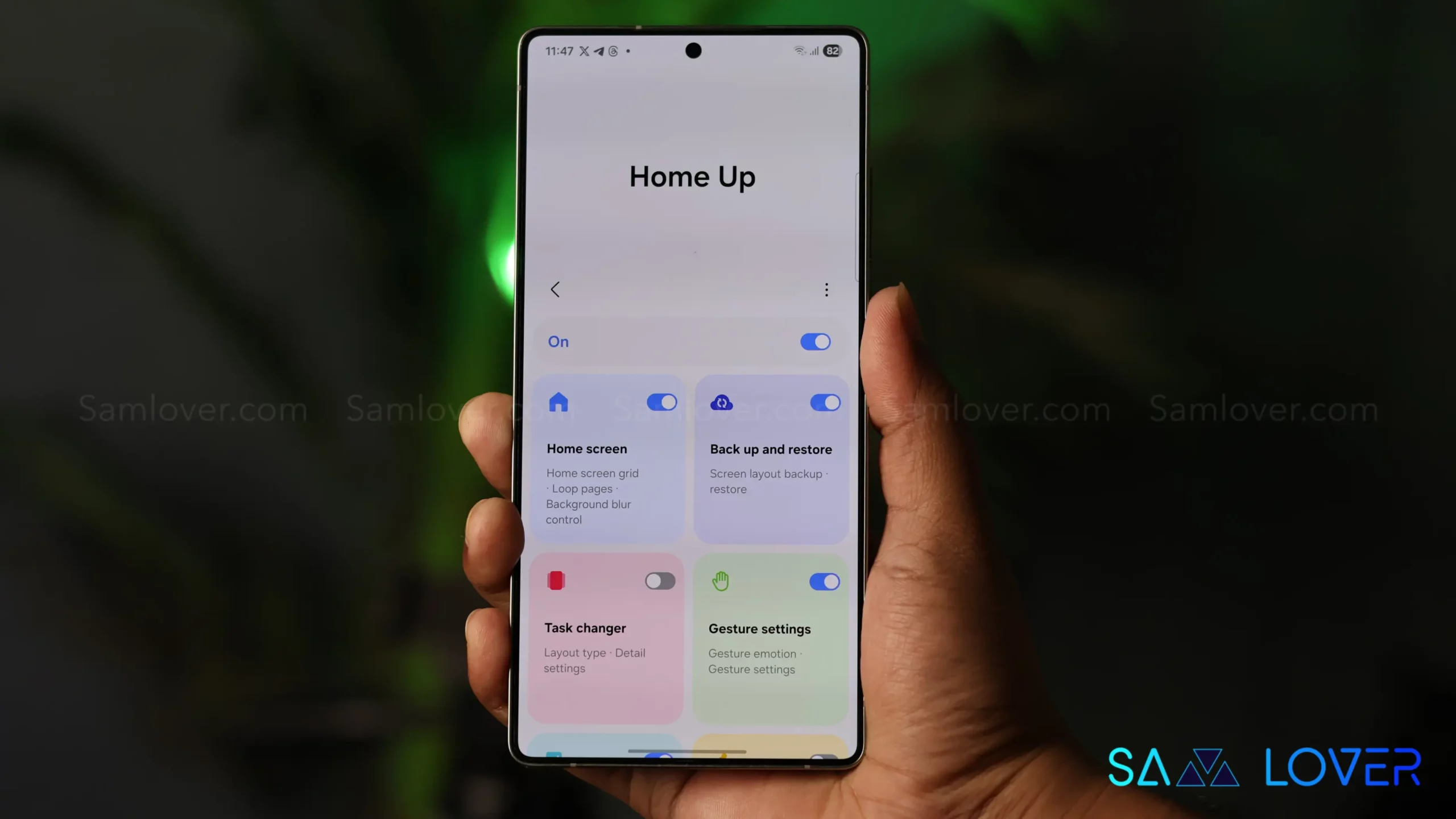
Samsung’s Good Lock ecosystem just got more complete. The Home Up module, which lets users customize their home screen layouts beyond what’s normally possible, now works with One UI 8.5. It was one of the last holdouts, and the wait is finally over.
Version 17.5.00.18 doesn’t just add compatibility. It brings several meaningful updates that actually expand what you can do with your home screen. Large Folders, which Samsung introduced to help organize apps more efficiently, can now hold customized icons, widgets, and individual settings. That’s a practical change for anyone who relies on folders to keep things tidy without sacrificing quick access.
There’s also a new panel that combines apps, people, and tasks in one view. It sounds like Samsung is trying to make the home screen more contextual and less static, though how useful that turns out to be will depend on how well it surfaces the right information at the right time.

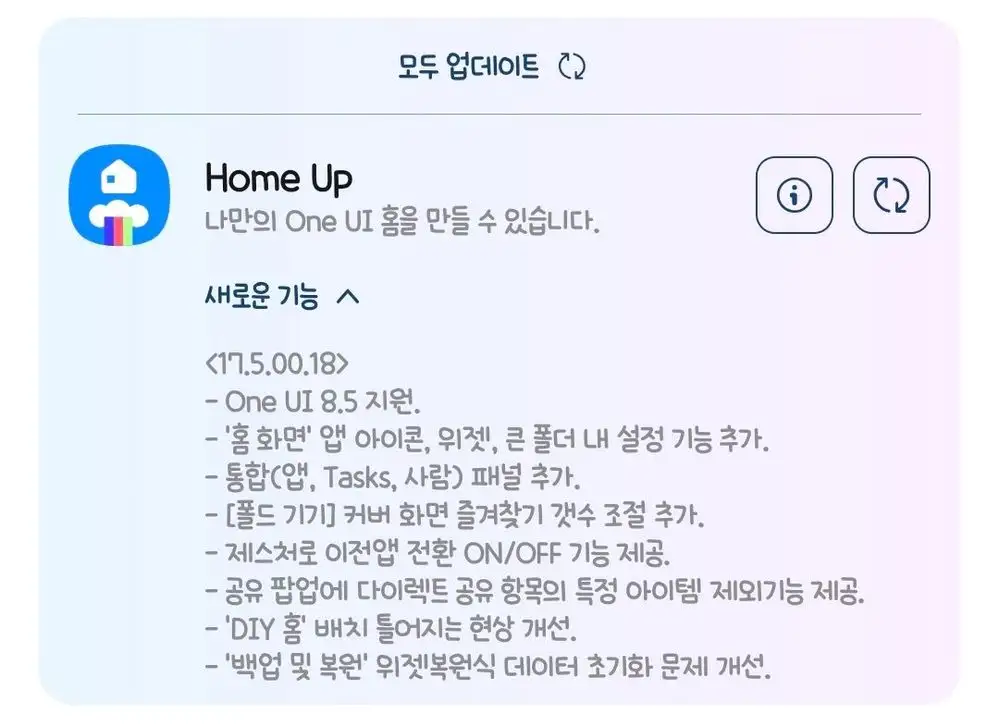
For Galaxy Z Flip and Fold users, the update adds control over how many favorites show up on the cover screen. Given how limited that space is, being able to fine-tune what appears there makes sense. The update also includes a toggle for gesture-based app switching, which gives users more control over navigation preferences.
On the bug fix side, Samsung addressed a misalignment issue with DIY home layouts and solved an initialization problem that occasionally affected the Backup and Restore widget. There’s also a new option to exclude certain items from the direct sharing menu in the Share pop-up, which should help clean up that list if it’s gotten cluttered over time.
If you use Home Up, the update is available now through the Galaxy Store.