News
One UI 8.5: What’s New and Which Samsung Devices Will Get It

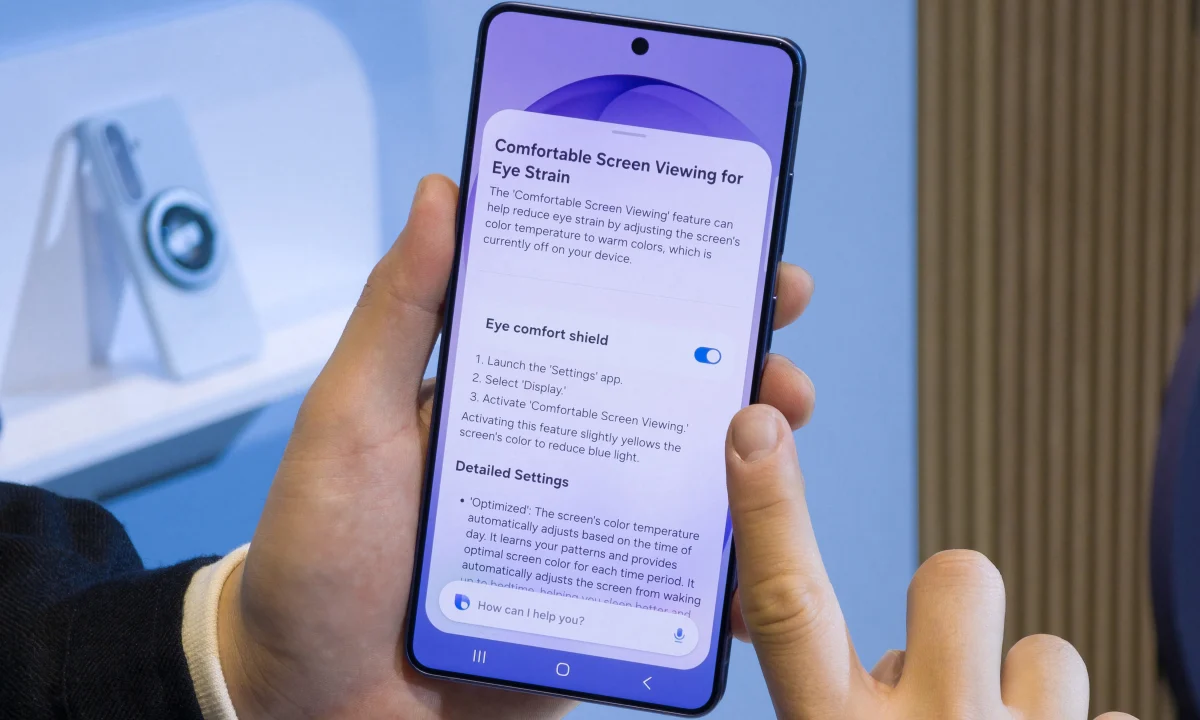
Samsung’s Galaxy S26 launch came and went, and while the hardware drew its share of attention, most of the conversation landed on the software. One UI 8.5 is the real story here, and it’s more substantial than the version number suggests.
One UI 8.5 isn’t a minor refresh. It moves from Android 16 to Android 16 QPR2, the second quarterly platform release, which brings new APIs and SDK changes that open doors for additional functionality. Samsung has taken full advantage of that headroom.
The headline additions cover a wide range of daily use cases. Here’s what’s actually changing:
- Customization options – The shortcut menu has been given additional customization features; users can, for example, separate and rotate (vertically) the volume and brightness sliders.
- Notification improvements – One UI 8.5 includes AI-powered notification summary (iOS-style) and the ability to block or limit spam notifications .
- AI Photo Editing – It is a text-based photo editing feature, similar to Google Photos ’ Help me Edit .
- Creative Studio – This is a feature that allows you to save stickers created from photos and access them directly via the system keyboard.
- Screenshot Management – Samsung’s Gallery app now includes improved screenshot management, automatically sorting screenshots into different folders for easier searching.
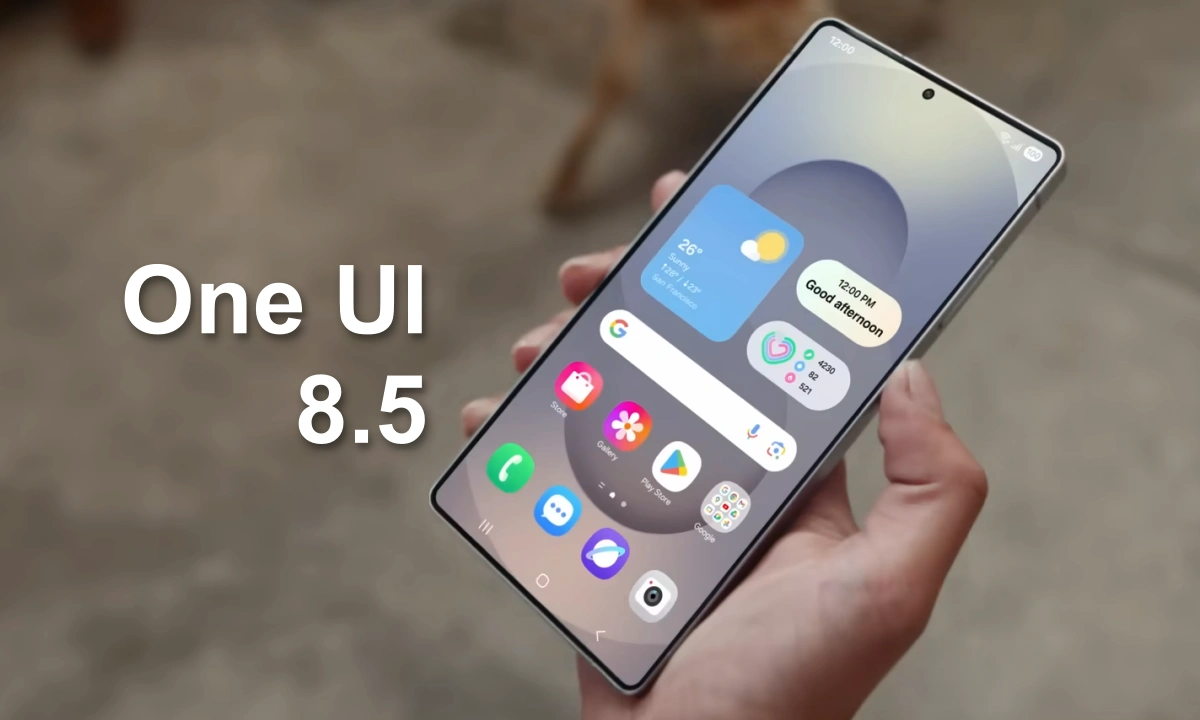
- Now Brief and Now Bar improvements – Now Brief now displays interim events, even if they aren’t in your calendar; Now Bar recommendations are more contextual .
- Now Nudge – AI-powered feature, similar to Pixel’s Magic Cue, that offers answer suggestions by pulling information from other apps.
- Bixby and other AI updates – Bixby returns , albeit in a revamped and more interactive guise , powered by Perplexity for more complex tasks (such as those requiring web searches or interaction with other system apps).
The Bixby update is worth noting. Samsung has leaned into Perplexity as its AI backbone for more complex queries, giving the assistant a more practical role than it’s historically played.
The Update Rollout: Who Gets It
Confirmed devices span Samsung’s flagship and premium lines from 2023 onward. On the smartphone side:
- Samsung Galaxy S23, Galaxy S23+ and Galaxy S23 Ultra (2023)
- Samsung Galaxy S23 FE (2023)
- Samsung Galaxy S24, Galaxy S24+ and Galaxy S24 Ultra (2024)
- Samsung Galaxy S24 FE (2024)
- Samsung Galaxy S25, Galaxy S25+, Galaxy S25 Ultra and Galaxy S25 Edge (2025)
- Samsung Galaxy S25 FE (2025)
Foldables confirmed for the update:
- Samsung Galaxy Z Fold5 and Galaxy Z Flip5 (2023)
- Samsung Galaxy Z Fold6 and Galaxy Z Flip6 (2024)
- Samsung Galaxy Z Fold7, Galaxy Z Flip7, Galaxy Z Flip7 FE and Galaxy Z TriFold (2025)
Tablets confirmed for the update:
- Samsung Galaxy Tab S9, Galaxy Tab S9+ and Galaxy Tab S9 Ultra (2023)
- Samsung Galaxy Tab S9 FE and Galaxy Tab S9 FE+ (2023)
- Samsung Galaxy Tab S10+ and Galaxy Tab S10 Ultra (2024)
- Samsung Galaxy Tab S10 FE, Galaxy Tab S10 FE+ and Galaxy Tab S10 Lite (2025)
- Samsung Galaxy Tab S11 and Galaxy Tab S11 Ultra (2025)
Mid-range devices from the Galaxy A, F and M ranges launched from 2023 onward are expected to follow, supported by Samsung’s six-year update commitment. That covers the Galaxy A56 5G, A36 5G, A26 5G, A55 5G, A35 5G and A25 5G at minimum, with many more models likely joining the list in the months ahead.
The grey area sits with 2022 flagships that have technically completed their Android update cycle:
- Samsung Galaxy S22, Galaxy S22+ and Galaxy S22 Ultra (2022)
- Samsung Galaxy S21 FE (2022)
- Samsung Galaxy Z Fold4 and Galaxy Z Flip4 (2022)
- Samsung Galaxy Tab S8, Galaxy Tab S8+ and Galaxy Tab S8 Ultra (2022)
Since One UI 8.5 stays on Android 16 rather than introducing a new Android version, there’s a real argument that Samsung could extend support to these older flagships. No official confirmation yet, but it’s worth watching. Samsung is expected to begin the broader rollout in the coming months, starting with the S25 series given its existing beta program.