Guide
One UI 8’s adaptive lock screen clock issue fixed via LockStar update

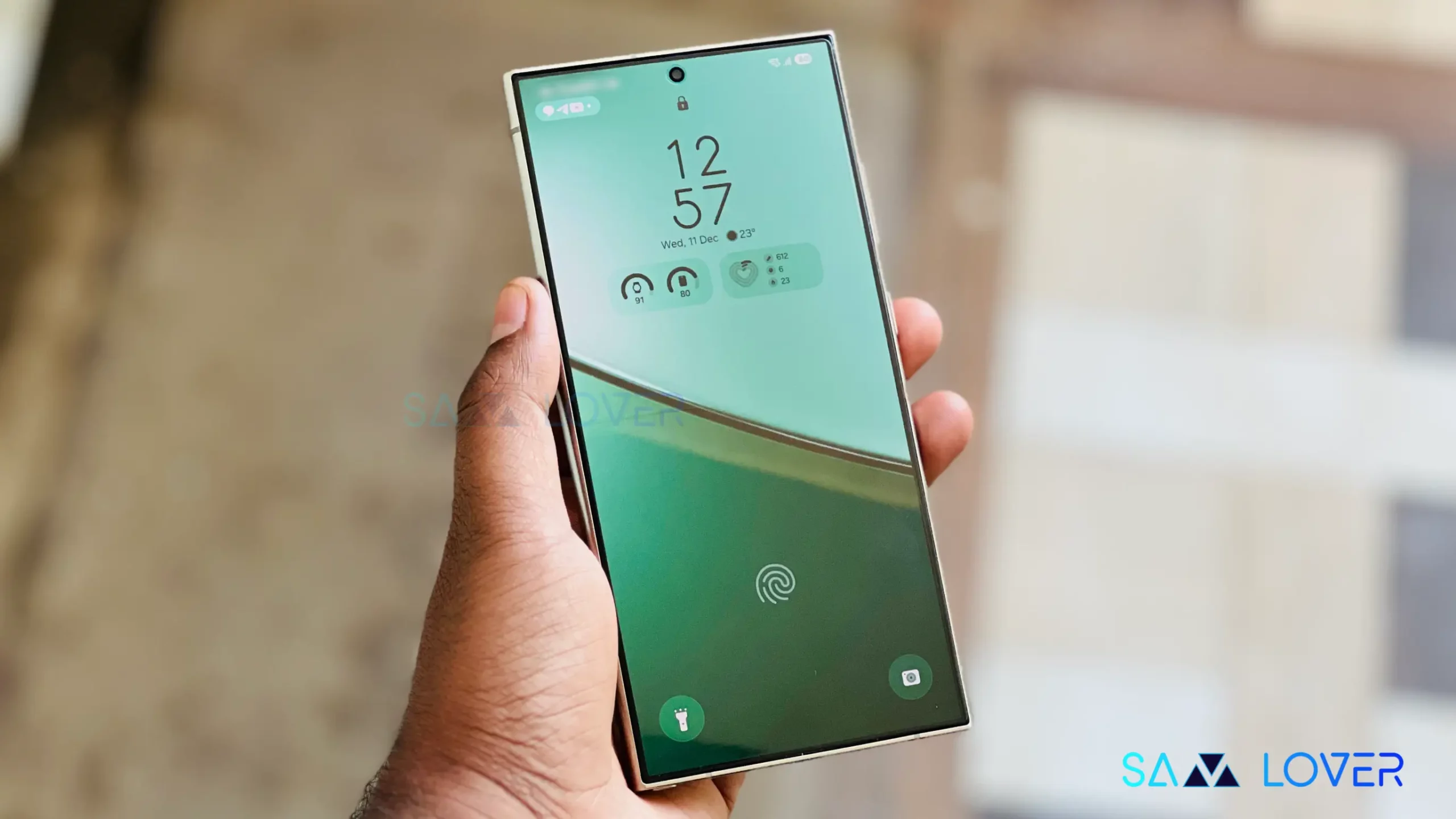
Samsung accepted that One UI 8’s adaptive clock on the lock screen is creating issues and not working properly, and recommends updating the LockStar app to solve the issue.
In case you missed it, Samsung introduced the Adaptive Clock with the One UI 8 version. It is a lock screen clock feature that makes the clock dynamically change its size, shape, and layout to fit around objects or people in the user’s wallpaper.
However, a few users reported that the feature is not working properly and is creating issues to interrupt the seamless experience, in particular situations. Right after acknowledging the issue, Samsung shared a dedicated post regarding this on its official community forum.
According to the post, there’s no major issue with the adaptive clock. The company mentioned that updating the LockStar app to the latest version currently available v7.0.1.10 can solve the issue.
If you are dealing with the adaptive clock issue, you can easily update the LockStar app by following a few easy steps; go to Galaxy Store, open the latter and select “Menu > Updates,” or you can long-press on the store icon and select “Update Applications.”