News
The Galaxy Z TriFold supports Samsung’s ‘Second Screen’ feature

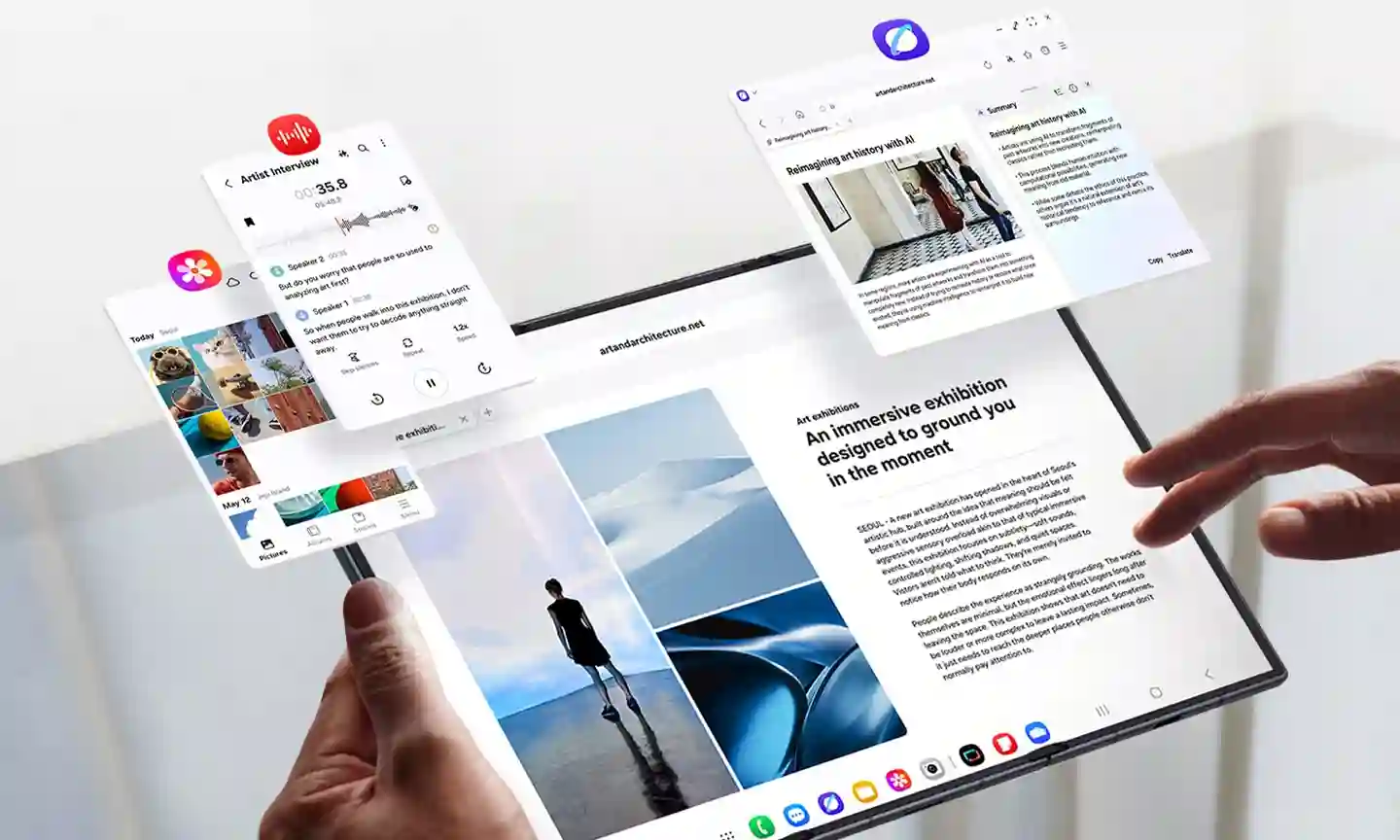
Samsung recently launched its first multi-folding device, the Galaxy Z TriFold, which has an interesting feature that was not even mentioned in its promotional materials, to enhance the user experience.
One of our reliable colleagues, Android Authority, revealed that the newly launched Galaxy Z TriFold supports a second screen, which allows the device to act as a wireless monitor via Miracast, enabling users to extend their Windows workspace completely wirelessly.
Notably, this feature was previously found on flagship Galaxy tablets. The feature starts working seamlessly when you simply open the Second Screen interface, and nearby Windows computers will automatically detect and pair with it.
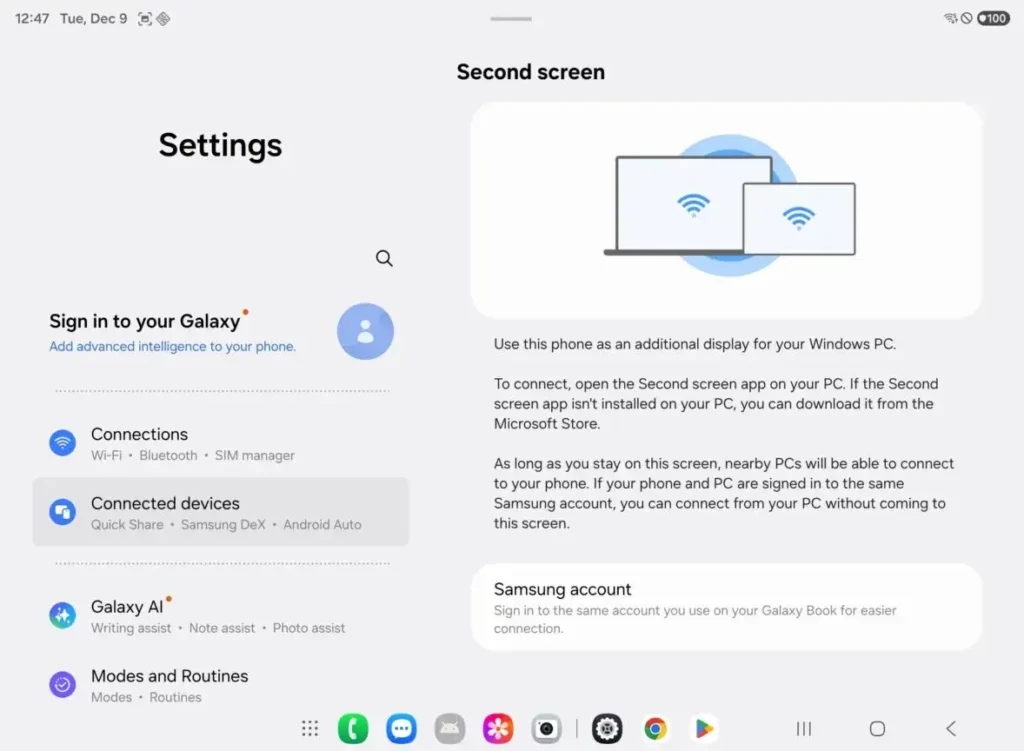
Galaxy Z TriFold users can easily use the feature by following a few steps: open Windows settings >> scroll down to the Display section to find the wireless display connection option, or users can also use a shortcut by pressing Windows + K to access the cast menu quickly.
Once the user is done connecting, the device functions similarly to any secondary display, effectively supporting tasks like text editing, opening chat windows, or splitting toolbars when multitasking.
Apart from this, the company also offers the Second Screen app for Windows, integrated with several options, such as changing the display aspect ratio, synchronizing power sources, and setting up automatic reconnection.