Apps & Services
Samsung Improves Privacy Display Access With New Good Lock Update

Samsung rarely announces everything at once. It’s become a pattern with major device launches: the hardware gets the spotlight, and the software catches up in the weeks that follow. The Galaxy S26 series is no different.
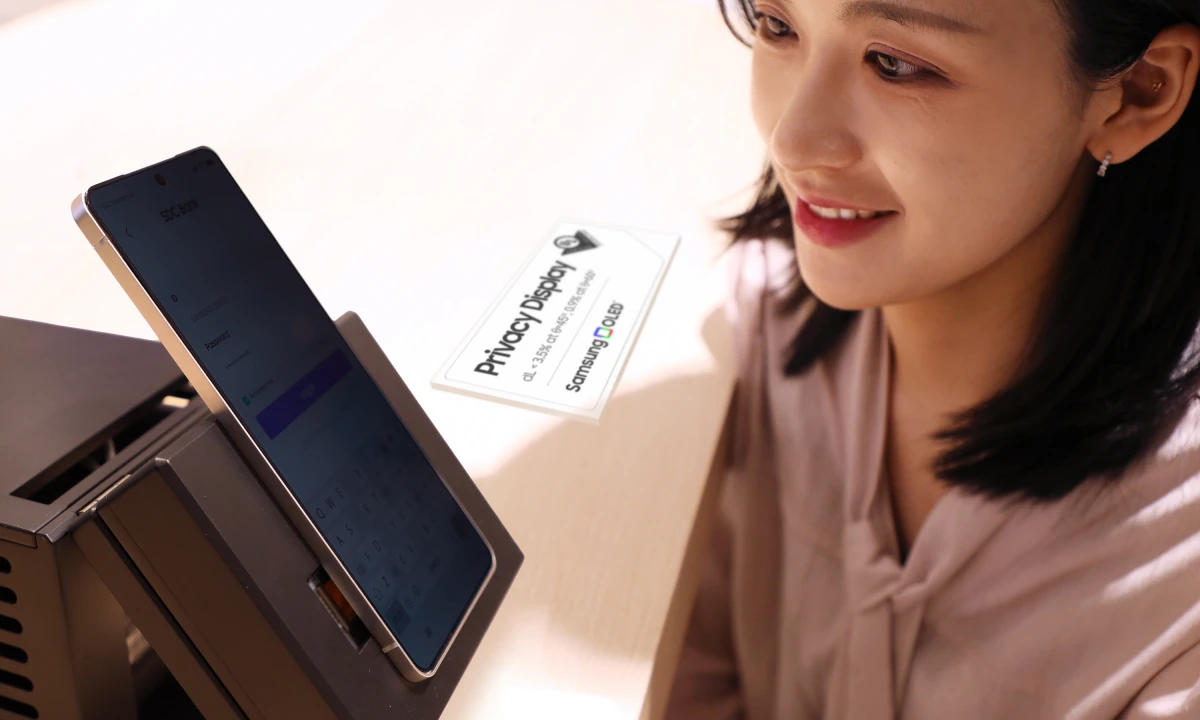
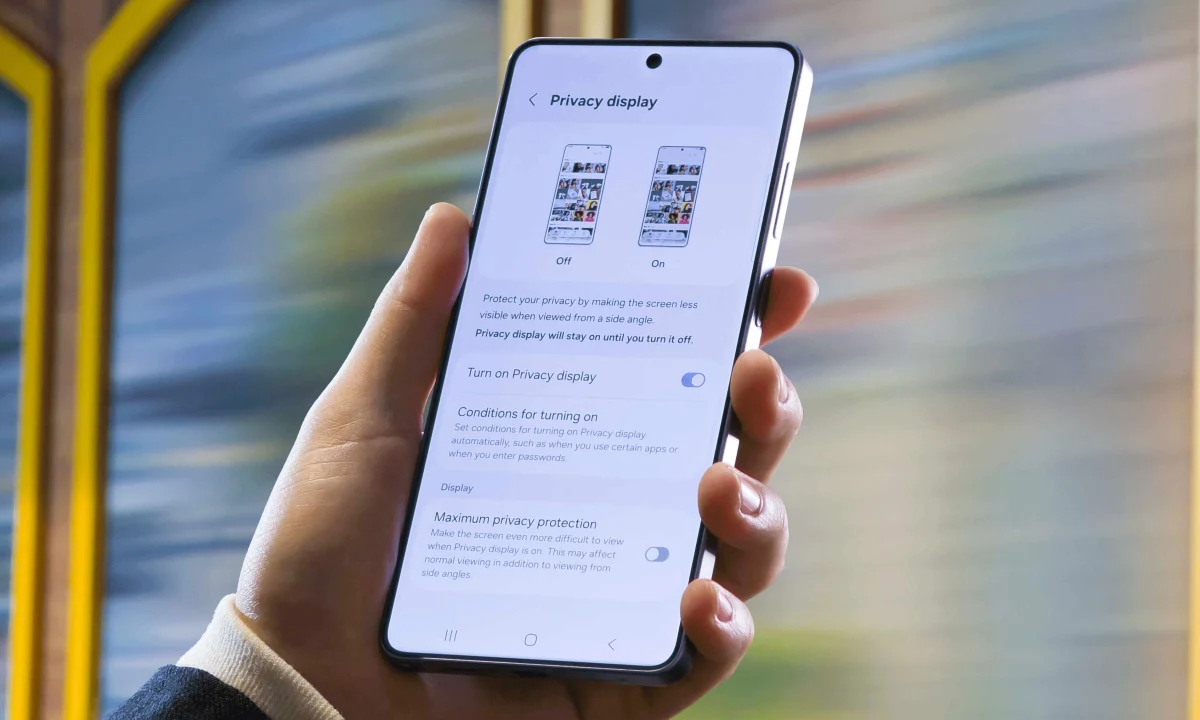
One of the more practical recent additions landed in Good Lock’s One Hand Operation+ module. Version 8.7.11 brings gesture support for Privacy Display, a feature that narrows the screen’s visible angle to block out anyone nearby. Before this update, turning it on required manual navigation through a menu. Now a gesture handles it, which matters most in the situations where you’d actually want it, like a crowded train or a busy open-plan office. The update also fixes a bug that broke gesture recognition after screen rotation, something that was quietly frustrating for daily users.
On the Gallery side, One UI 8.5 ships with a search upgrade that changes how video content actually works. Typing a keyword like “beach” no longer just surfaces a video thumbnail from its opening frame. Playback jumps straight to the relevant moment. For anyone with years of phone footage stored, this is a more useful shift than it sounds.
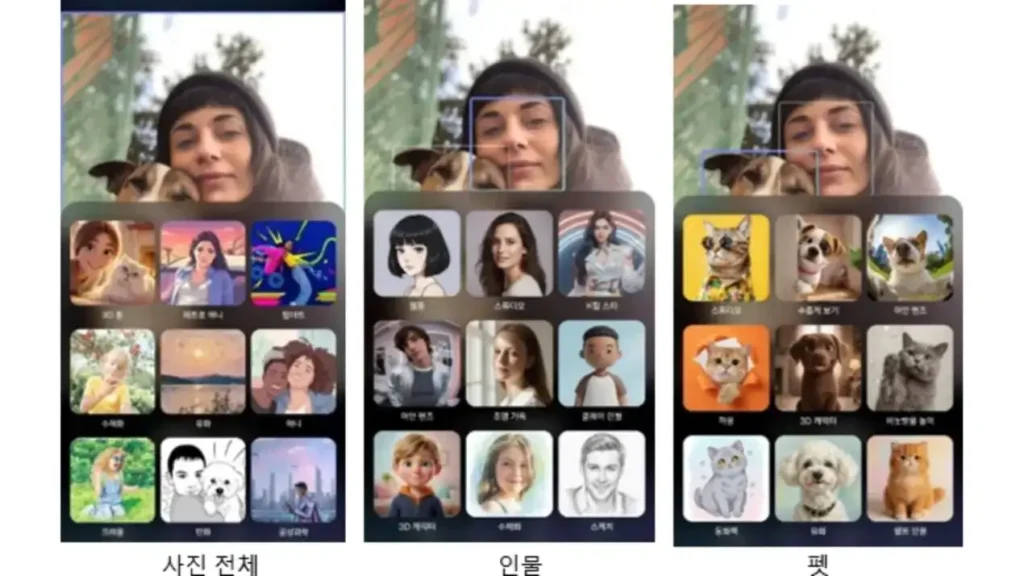
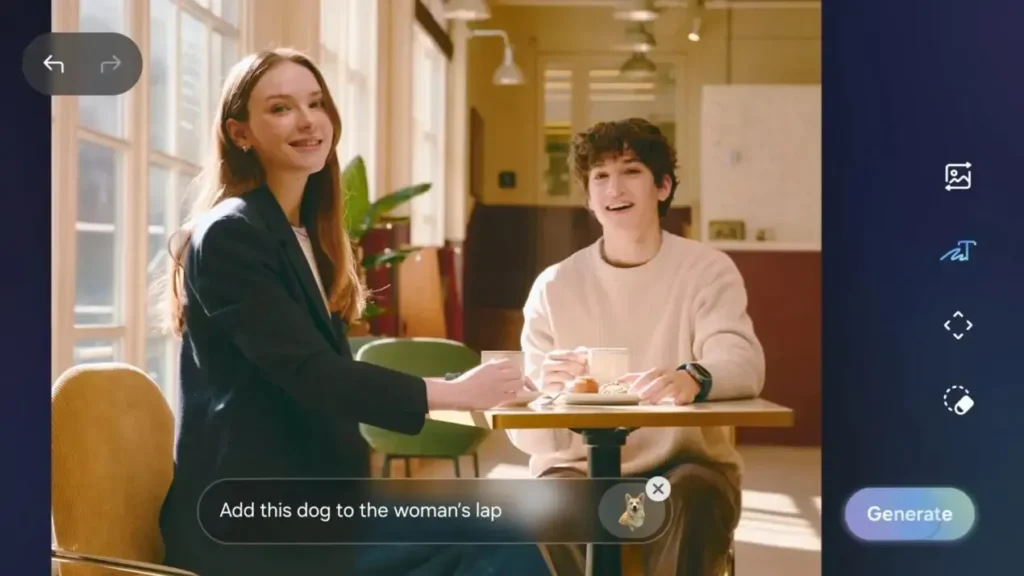
Photo Assist, Samsung’s AI editing tool, now accepts plain text instructions. Write what you want changed, and the tool attempts it. The selective style feature is the standout: artistic filters can now be applied to just the people in a frame, leaving backgrounds untouched. Nine styles are available, ranging from watercolor to pop art.
The Remaster tool has also been updated with generative AI, targeting high-zoom shots taken up to 30x. Samsung is upfront that results vary. The AI fills in detail it cannot technically see, so the output isn’t always accurate. Still, for photos that would otherwise be unusable, it gives them a second chance.
Via – SamMobile