News
Samsung Galaxy S26’s Fingerprint Trick Most Users Will Miss

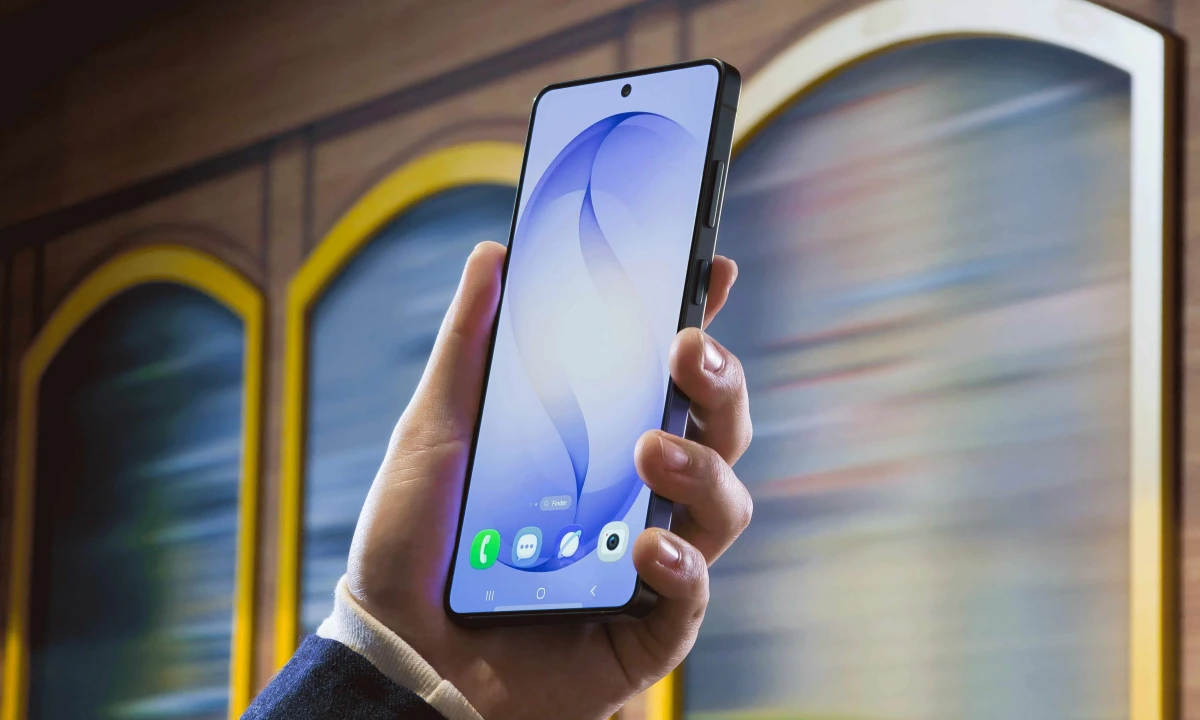
The Galaxy S26 didn’t arrive with dramatic hardware upgrades. Samsung made that clear at its February Unpacked event, and the tech press spent considerable time debating whether that was enough. But buried inside the settings menu is a small feature that, for everyday users, may matter more than any spec bump.
It’s called Improve Accuracy, and it’s specifically for the under-display fingerprint scanner.
You’ll find it under Settings, then Security and Privacy, then Lock Screen and Biometrics, then Fingerprints. Select a saved fingerprint and the new option appears. Tap it, and the phone walks you through scanning that same finger ten times, building a more detailed biometric map in the process.
Samsung hasn’t gone deep on the technical mechanics, which is a little frustrating. But the intent is clear enough: the more scan data the sensor holds, the better it handles real-world inconsistencies. A wet finger. A slightly different angle. Dry winter skin. These are the situations where even ultrasonic sensors, which Samsung has used across the S24 and S25 series as well, tend to stumble.
Fingerprint failures are one of those friction points that never make headlines but quietly erode confidence in a device. One failed unlock is forgivable. Four in a row, while your hands are full, is not.
A software solution that meaningfully reduces those moments is worth paying attention to, even if it doesn’t photograph well in a marketing deck.
The Knox security badge in the interface is also worth noting. It signals that the additional scan data stays within Samsung’s secure enclave, which matters when you’re adding more biometric information to your device.
Since the hardware is unchanged from previous Galaxy S models, there’s a reasonable case for bringing this feature to the S25 and S24 through a One UI update. Samsung hasn’t said anything about that yet.
For now, Galaxy S26 owners have something genuinely useful sitting quietly in their settings. It takes about two minutes to set up and might save considerably more than that in daily aggravation.