Apps & Services
Samsung’s Lock Star Update Lets You Fine-Tune Your Galaxy Unlock Animation

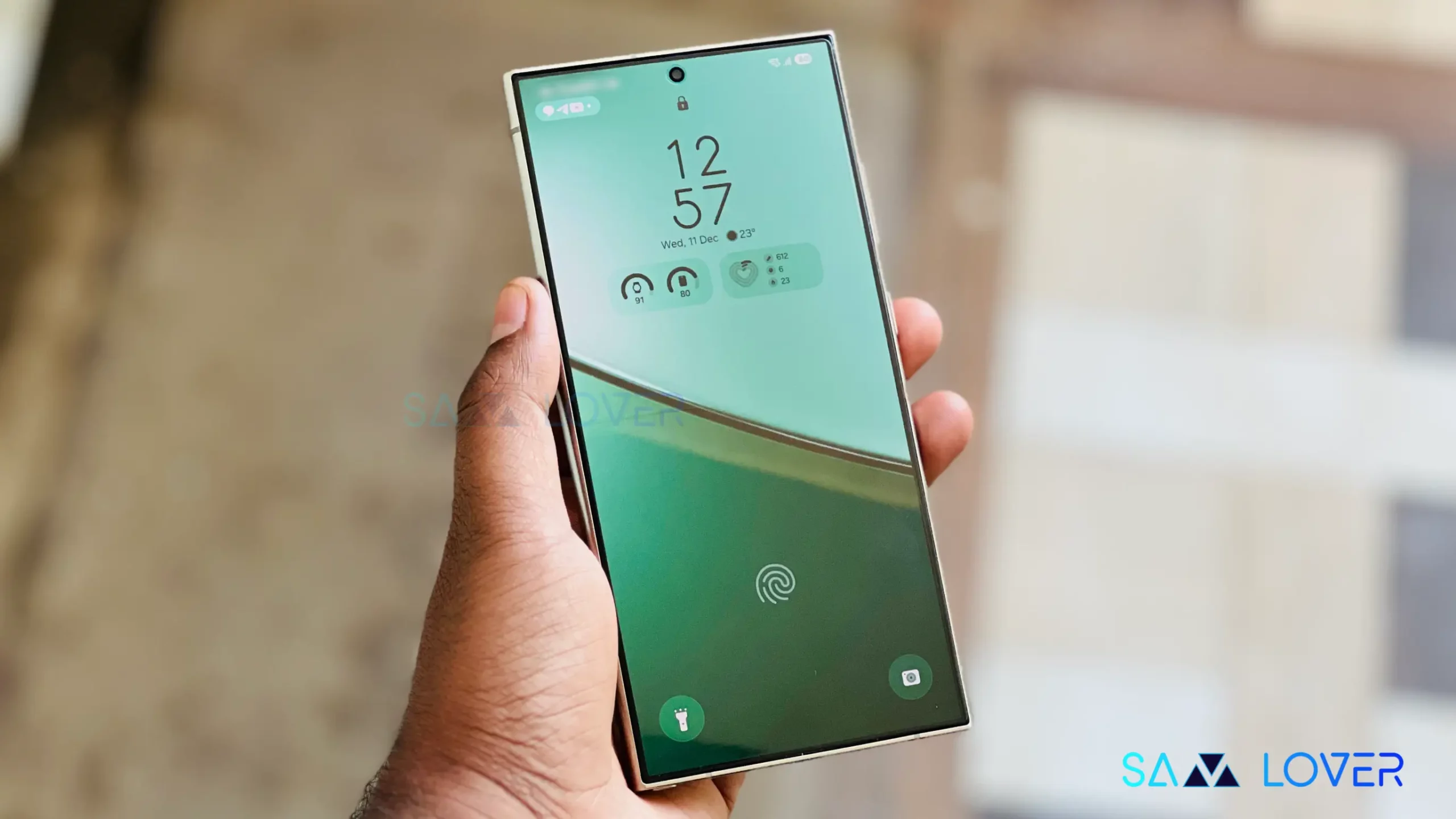
Samsung’s Good Lock ecosystem just got more granular. The latest Lock Star module, rolling out to One UI 8.5 beta users, adds customization options that most people won’t touch—but the ones who care will appreciate.
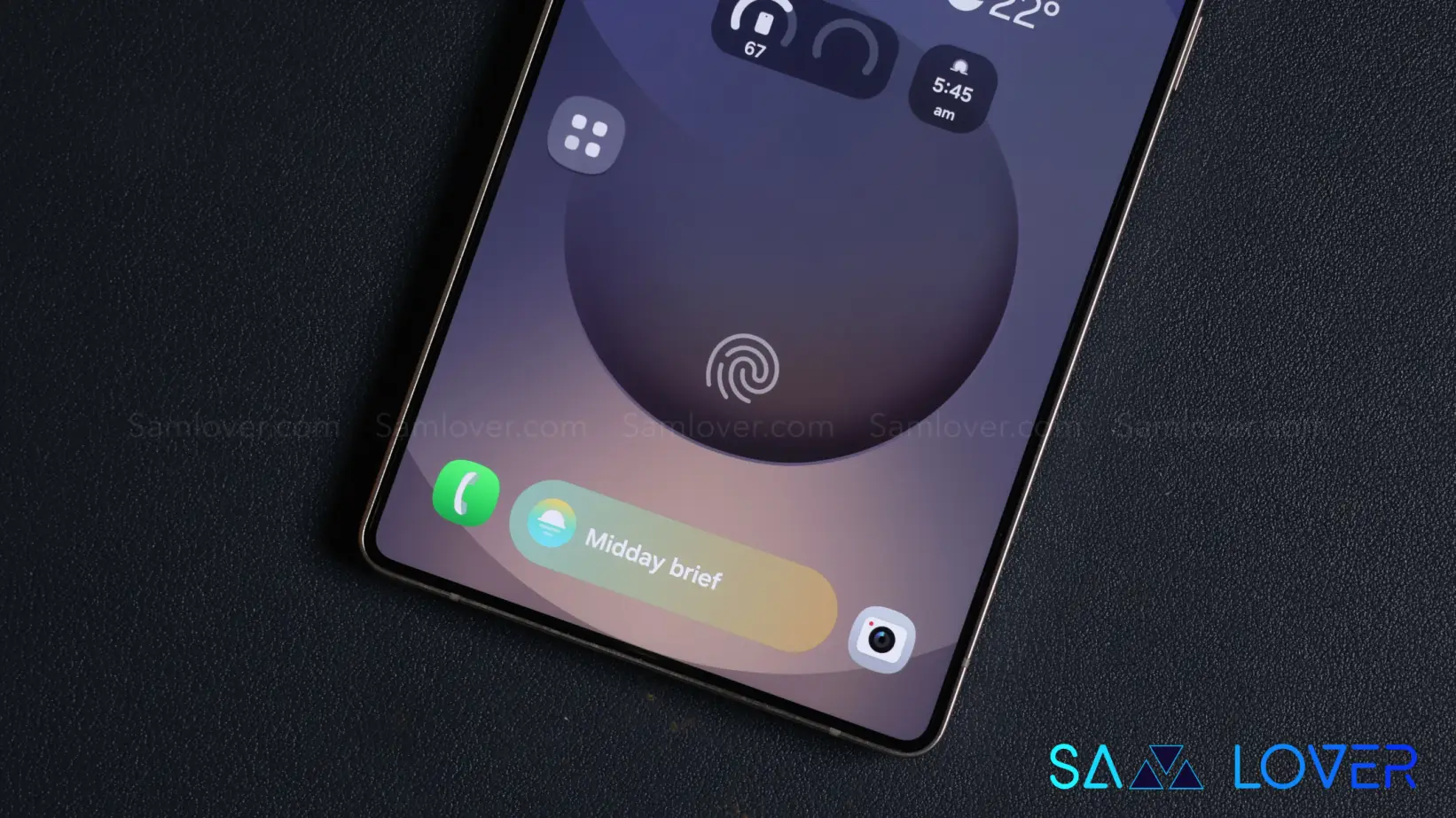
Lock Star now includes “Unlock Animations” settings. You can adjust how your phone transitions from locked to unlocked by tweaking animation type, duration, shape, and linearity. It’s the kind of detail that doesn’t change functionality but matters if you’re particular about visual consistency.
This follows Samsung’s approach with the Home Up module in One UI 8, which opened up system and home screen animations to similar tweaking. Lock Star is catching up.
There’s a second change worth noting: manual AOD brightness control on supported devices. Samsung’s automatic mode tends to run brighter than some users want. Now you can override it and set a dimmer level manually.
Both features require One UI 8.5, which currently means Galaxy S25 users in the beta program. You can install the updated Lock Star APK on older One UI 8 devices, but these options won’t appear.
The update should be available through Galaxy Store. If it’s not showing up, you can sideload the APK manually.
Samsung seems committed to expanding Good Lock’s reach with One UI 8.5. Camera Assistant received a similar treatment recently, adding granular photo mode controls and minimum shutter speed settings to reduce motion blur.
These aren’t headline features. They’re iterative refinements for users who already spend time in Good Lock. But that’s often where Samsung differentiates itself—in the margins where customization still matters.