News
One UI 9 Beta 1 Now Available for Galaxy S26: Full Changelog Inside

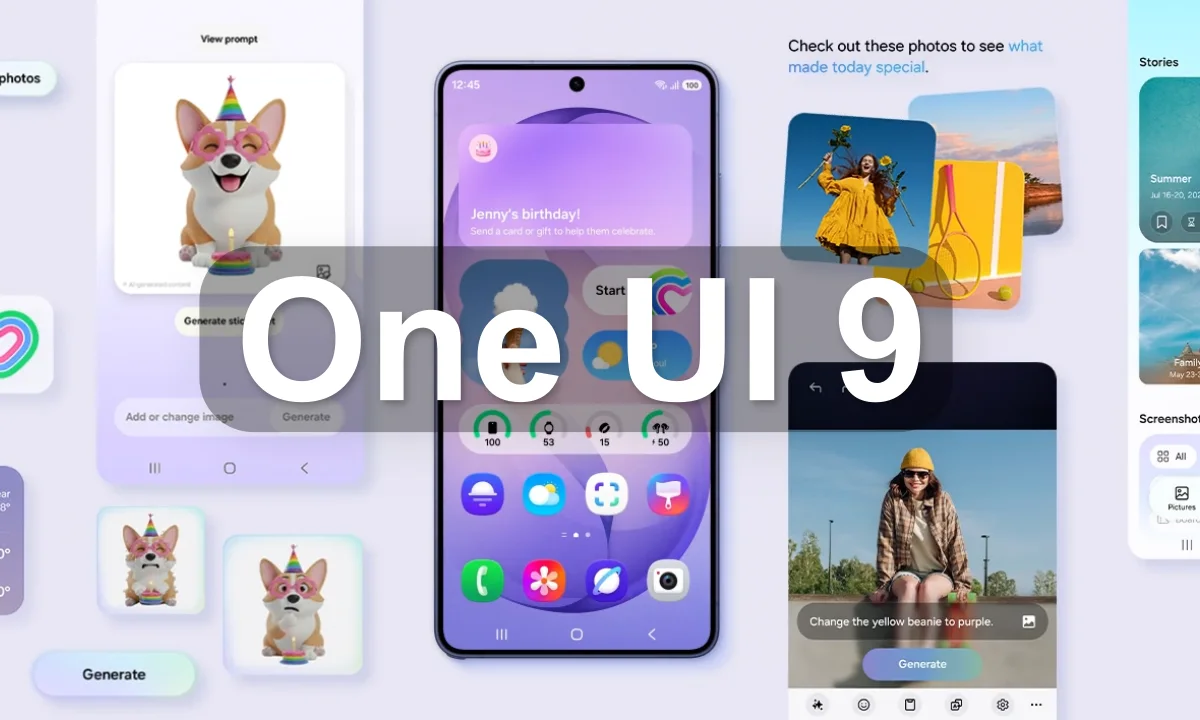
Samsung moves fast. While most Galaxy users are still waiting on the One UI 8.5 stable rollout, the company has already pushed out the first One UI 9 beta for the Galaxy S26, S26+, and S26 Ultra. Beta 1 landed in Germany and the UK just days after the program was officially announced, carrying build version S94*BXXU2ZZEF and weighing in at over 3.6 GB.
The update ships with May 2026 security patches and is built on Android 17. The full stable release is expected to arrive this summer alongside Samsung’s next foldable lineup.
What’s Actually New in Beta 1
The changelog is focused rather than sprawling. Quick settings get more flexibility, particularly around how the brightness slider, volume control, and media player are arranged. It is a small change, but one that long-time Samsung users have wanted for a while.
Samsung Notes picks up a “Tape” feature, letting users cover portions of a note and reveal content selectively. New writing styles are also included. Game Booster now lets players adjust screen resolution and screenshot format without leaving the panel.
Privacy gets a small but visible addition: a blue dot indicator appears when an app accesses your location in the background.
Full Changelog of One UI 9 Beta 1 for the Samsung Galaxy S26:
More customizable quick panel
- You can now rearrange and customize the controls in your quick panel even more than before. You can change the size of the brightness and volume sliders as well as the media player. You can also separate the sound mode button from the volume slider.
Samsung DeX enhancements
- It’s easier to move an app window from one desktop to another using the menu at the top of the window. Desktop previews are now available at the top of the Recents screen, making it easier to switch with a single tap.
Do more with notes
- The new Tape feature in Samsung Notes let’s you cover parts of your note with tape and reveal them when needed. A variety of new pen styles have also been added, giving you even more options for writing and drawing.
More settings in Game Booster panel
- Adjust your game settings without stopping the action. You can now access screen resolution, screenshot format, and more directly from the Game Booster panel.
Location access transparency
- Stay on top of your location privacy. A blue indicator will appear at the top of the screen when an app accesses your location. Tap the indicator in the quick panel to see which app it is.
Discover new Accessibility features
- Check the What’s new menu in Accessibility settings to learn about and try the latest Accessibility features for your Galaxy.
Text spotlight for easier reading
- Need a closer look? Tap any text on the screen to show it enlarged and highlighted in its own window. You can also customize the font size, colors, and other settings to match your preferences.
Physical keyboard shortcuts
- Use shortcuts on your physical keyboard to access the Accessibility settings you need without touching the screen.
Mouse keys enhancements
- New options are available when using your keyboard for mouse interactions including speed and acceleration control. You can also use the keyboard’s number pad to point and click.
Replace swipe with single tap
- The Replace swipe with single tap option is now located on Dexterity and interaction menu instead of the Assistant menu for easier access.
Select to speak
- Get quick audio readouts without turning on full TalkBack. With the new Select to speak feature, you can select an item on your screen, like text or an image, and hear it read or described out loud.
Improved TalkBack updates
- Through continuous collaboration, Samsung and Google’s TalkBack features have been unified. TalkBack updates can now be applied with a simple app update from the Play Store.
Accessibility improvements are the most substantial section of the changelog. Text Spotlight lets users float selected text in a larger, customizable window. TalkBack gains a “Select to Read” function that reads or describes any element on screen. Samsung and Google’s TalkBack features have also been merged, which should reduce the confusion that came from having two overlapping tools.
Samsung DeX gets a usability bump, making it easier to move app windows across virtual desktops using the top menu bar.
More Android 17-level changes are expected as the beta program continues.
