Accessories
Samsung Galaxy XR gets three new convenient features in the US

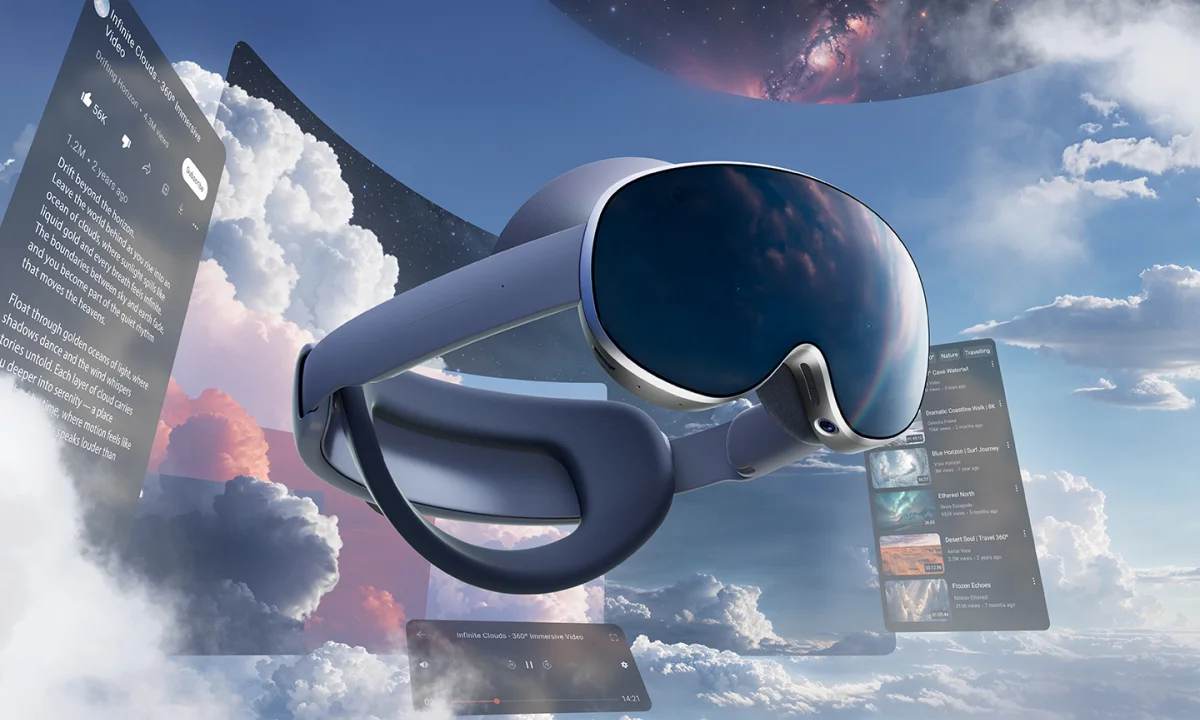
Samsung Galaxy XR users, get ready to experience three new features with the latest Android XR update, which will enhance everyday use.
A few months ago, Samsung launched its first Galaxy XR powered by the Android XR, co-developed with Google and Qualcomm. It is compatible with multimodal AI, enabling intuitive interactions via voice, vision, and gesture, as well as full immersion.
Now the latest Android XR update (as showcased by Samsung) brings three notable features, which are as follows –
- PC Connect
- Likeness
- Travel Mode
All these features will open the next chapter, making Galaxy XR more powerful, personal, and practical, enhancing the user experience. Currently, these features roll out in the US and Korea.
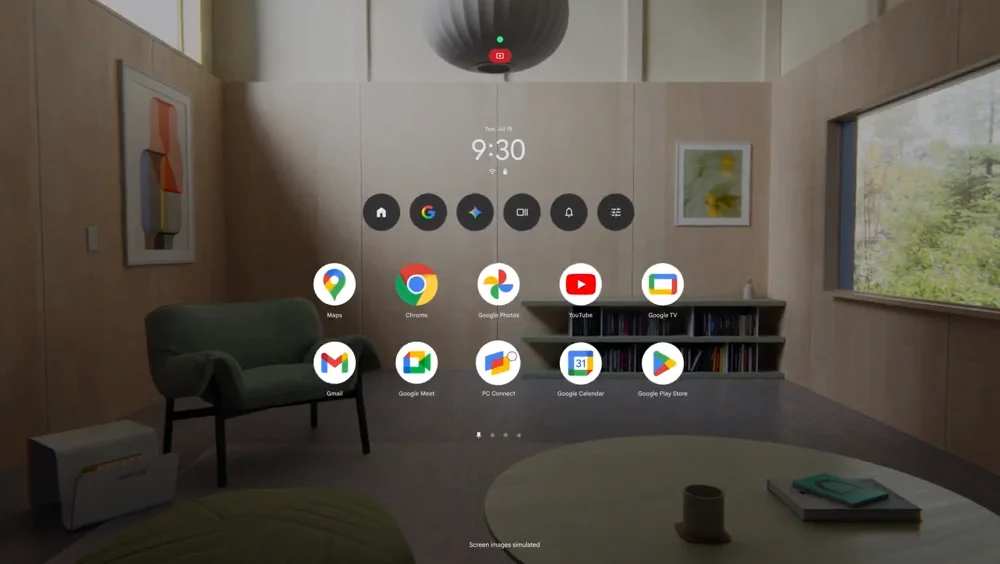
The PC Connect is available as a Beta; it offers a new level of productivity, creativity, and entertainment by allowing users to pull in a single application or their entire computer’s desktop into their Galaxy XR’s immersive view. This feature will also enable users to check email, browse the web, and join a video call.
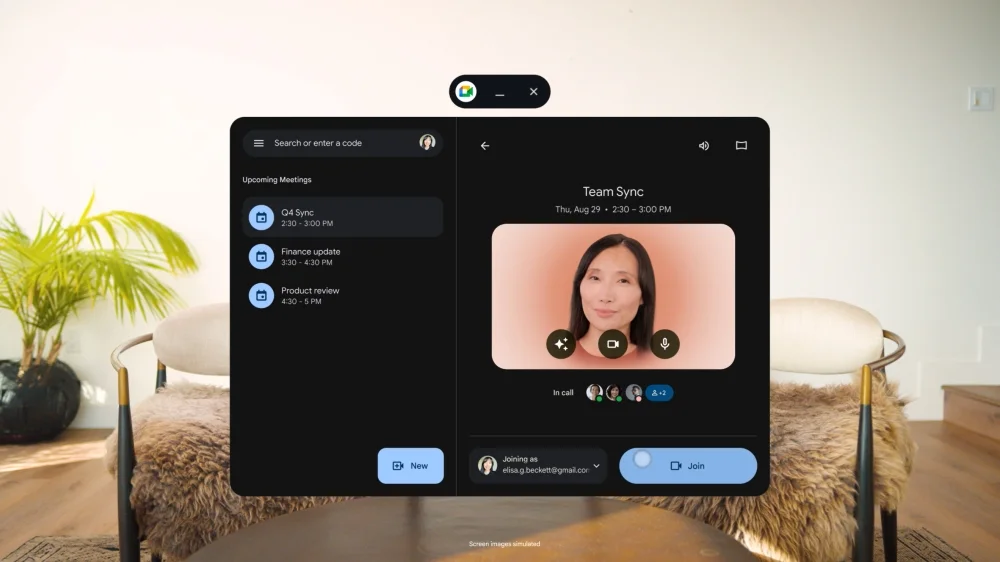
The Likeness app is also in Beta; it will help users choose how they appear by offering a wide range of options, from stylized Galaxy Avatars to more realistic and expressive digital representations on Google Meet.