News
Google Maps on Android Auto with 14.3 version is replacing the iconic blue arrow

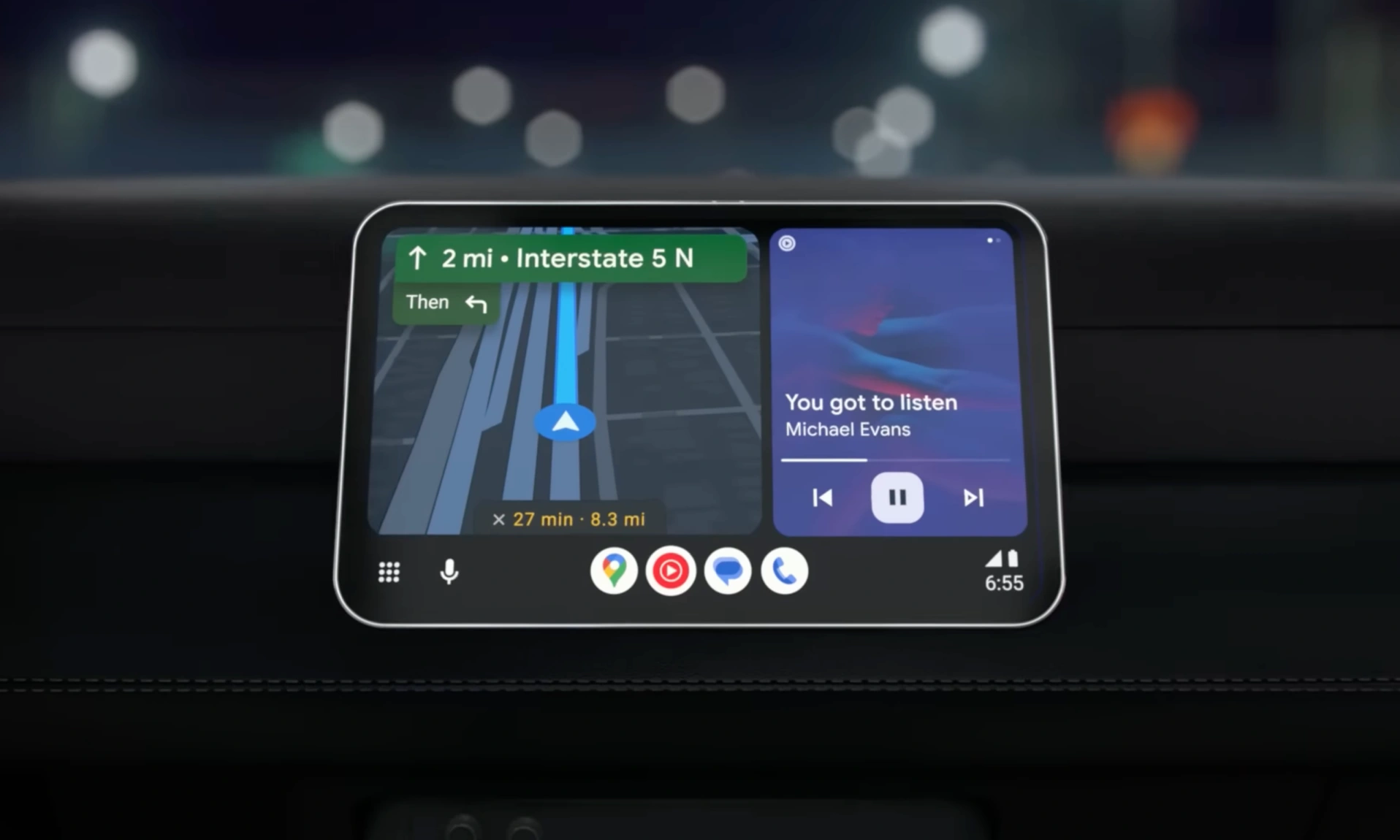
Android Auto has always been Google’s most impressive smart driving companion that allows users to connect their smartphones to the car’s infotainment system when driving to avoid any distractions. Meanwhile, Android Auto 14.3 version brings something interesting regarding changes performed within Google Maps.
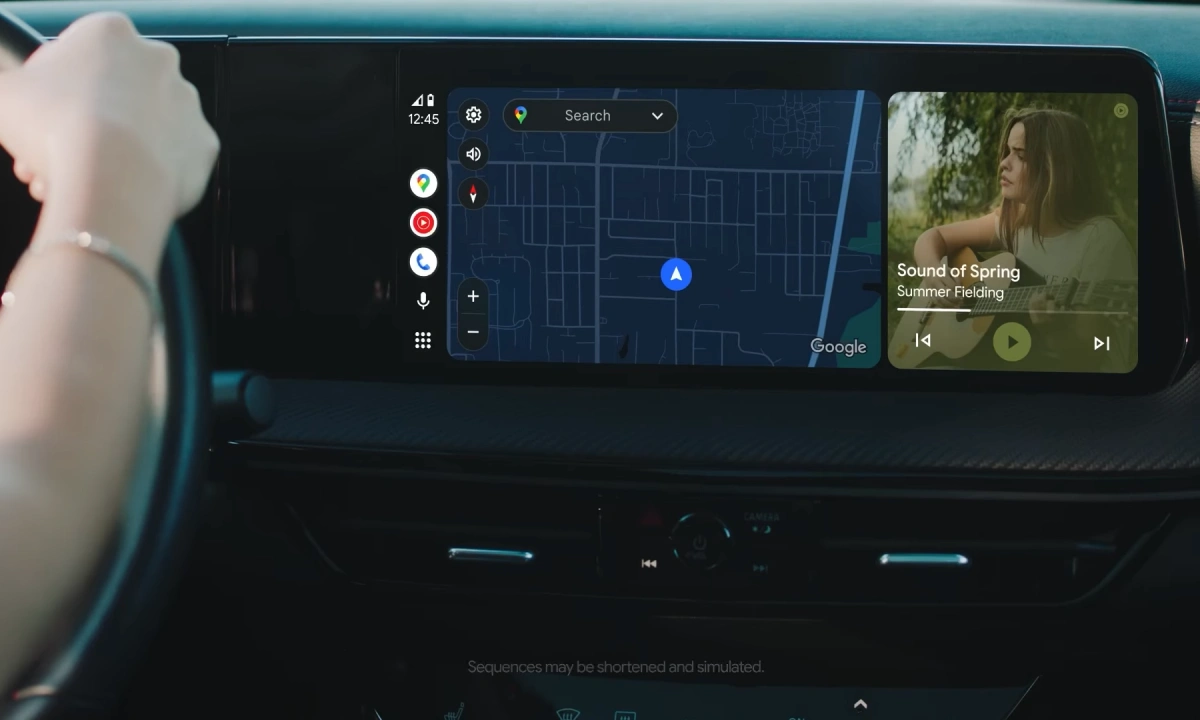
Google’s Android Auto has already entered into a new version 14.3, which is currently running in its beta channel; it certainly brings minor but noticeable changes (Via) within Google Maps, ditching the iconic blue arrow that significantly shows directions when travelling.
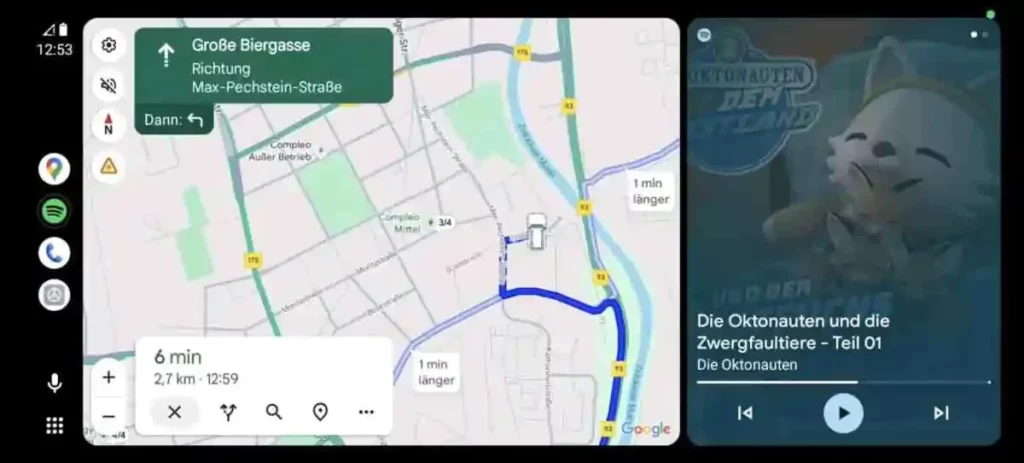
Basically, Google has used a blue colored arrow that shows direction for years within Google Maps; however, that seems to be changing as Android Auto’s Google Maps is getting an interesting yet noticeable change as Google is replacing its iconic blue arrow with the user’s car icon.
This means that the Android Auto users will now see their vehicle’s icon instead of the blue arrow while using navigation within Google Maps. At the same time, the previous report states that Google has already been working to replace the navigation arrow with the user’s personalized car icon and colors in Google Maps for Android smartphones.
Following mobile devices, with the latest 14.3 version, Google seems to be bringing the capability to choose and personalize the vehicle’s icon and color within Google Maps on Android Auto as well.
Also, this could be the next significant step to bring a more customized and convenient user experience for the Android Auto community worldwide, while also improving the entire UI and alignment of navigation and directions within Google Maps in Android Auto.