
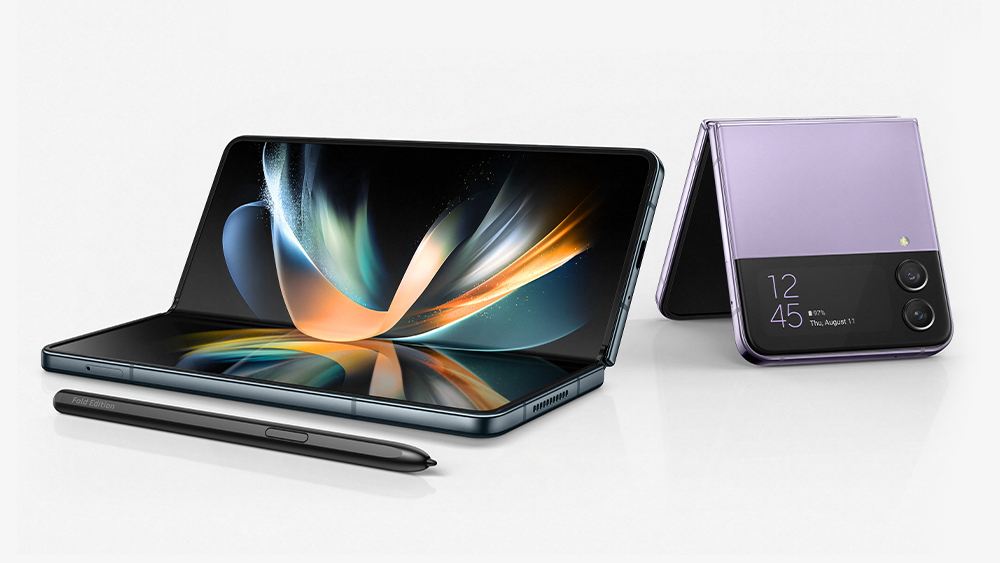
The Samsung Galaxy Z Flip 4 and Fold 4 is most powerful smartphone this year of Korean Giant. It is powered by Qualcomm Snapdragon 8 Gen+ 1 SoC, boots on...
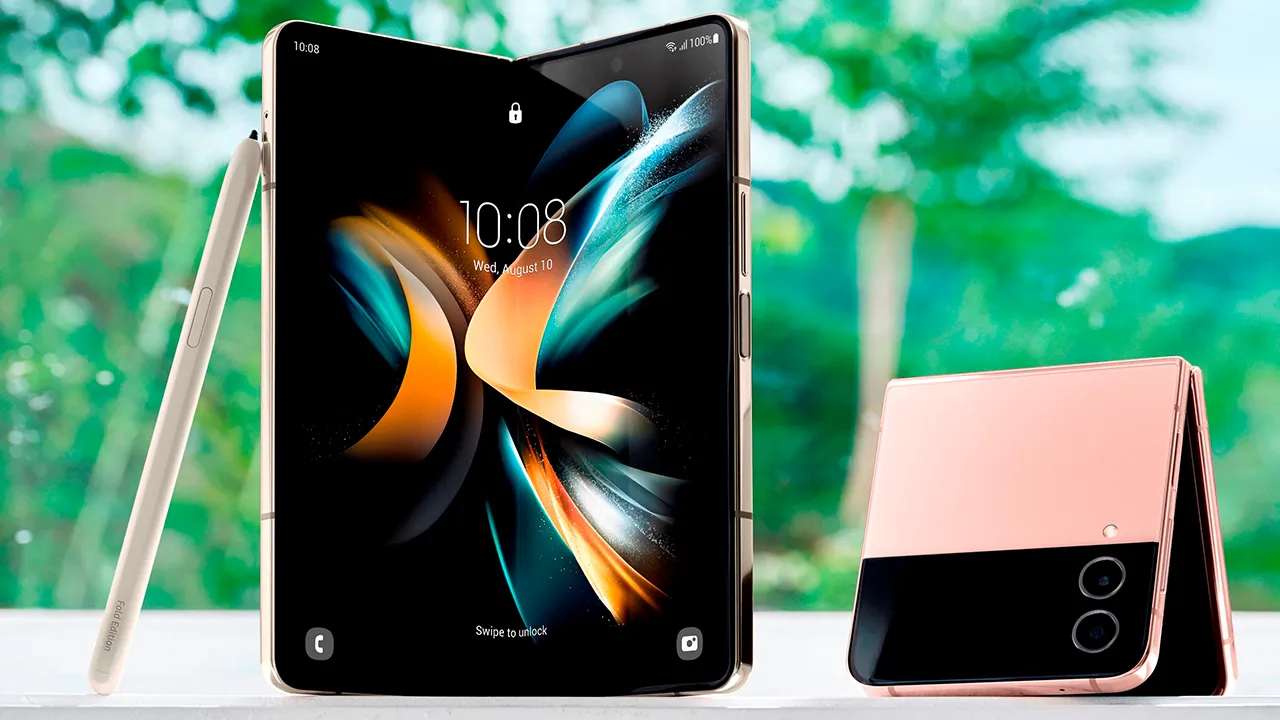
Samsung Galaxy Z Fold 4 and Galaxy Z Flip 4 comes with Android 12L out of the box with company’s custom skin One UI 4.1.1, and...
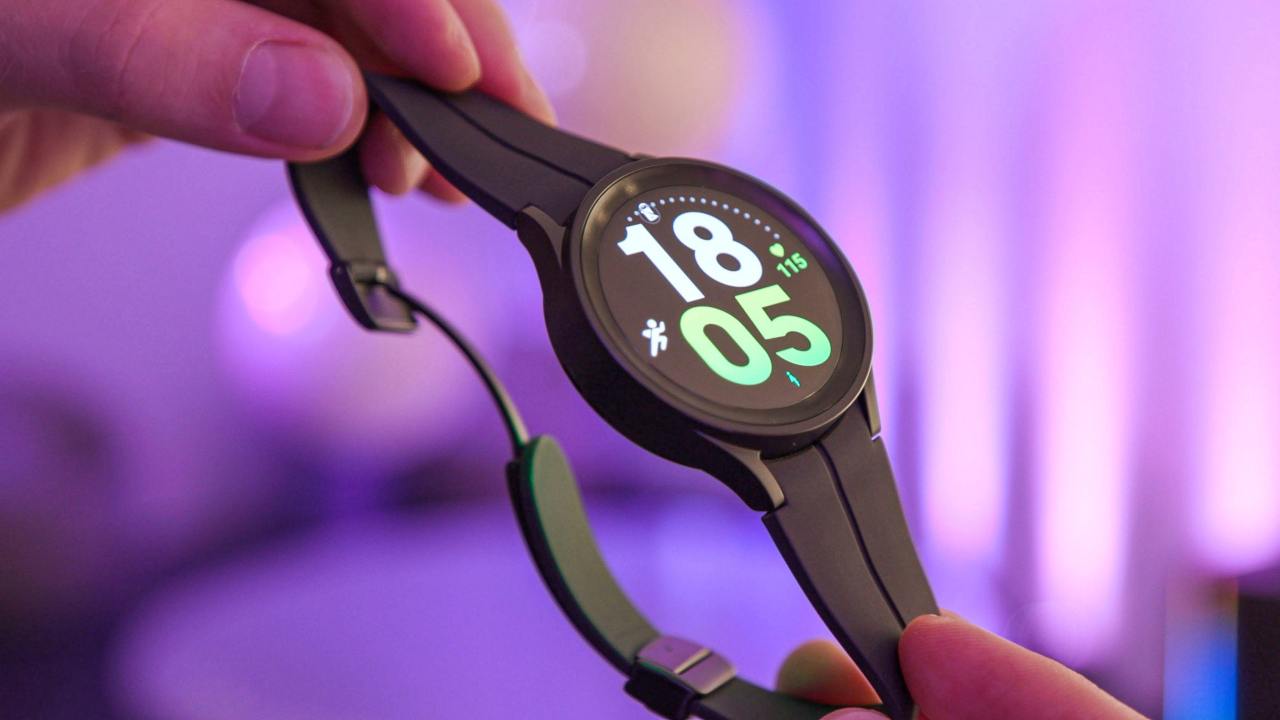
Taking a screenshot on your Galaxy Watch 5 and Galaxy Watch 5 Pro is ridiculously simple and mimics how you would take one on a Galaxy...
Samsung’s virtual RAM (RAM Plus) expation feature, which allows you to increase the amount of random access memory available on your phone using a portion of the internal memory as virtual memory. In 2021, RAM...
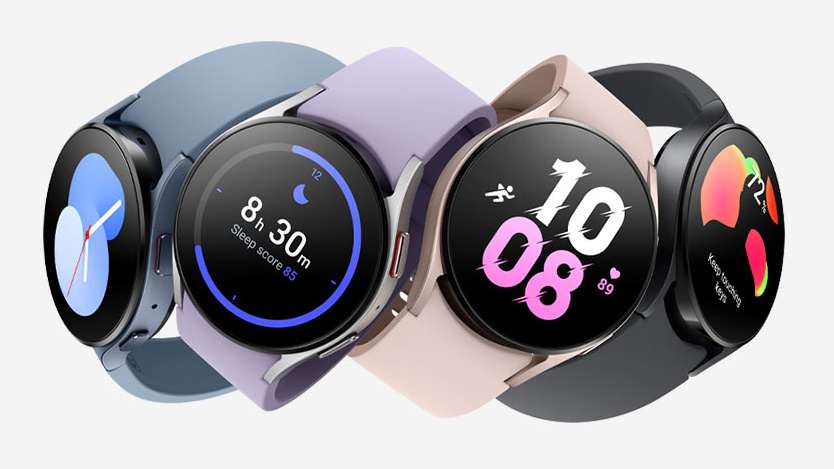
Gboard, a redesigned Google keyboard, and other additional features were updated for the wearOS platform by Google. Users of the most recent Samsung Galaxy Watch 5...
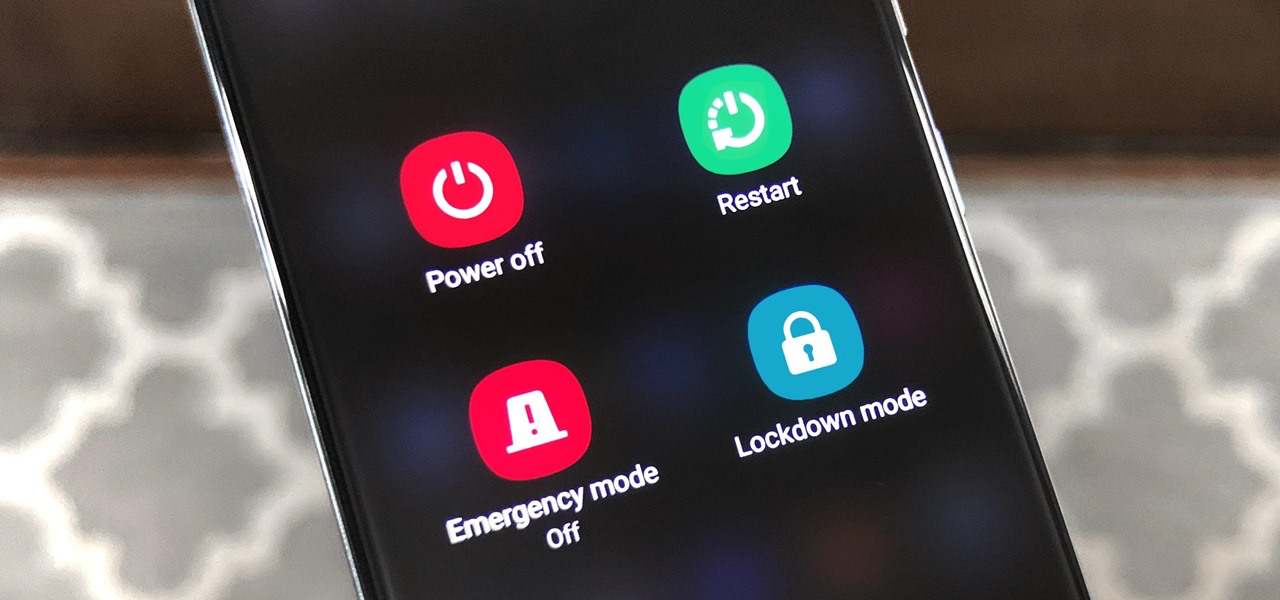
In 2018, Google introduced a little-publicized feature on its Pixels, called Lockdown or Lockdown mode (other than iOS 16 Lockdown mode), to prevent the phone from being unlocked via biometric authentication without consent. Lockdown mode does two things: lock (like locking the screen) your...
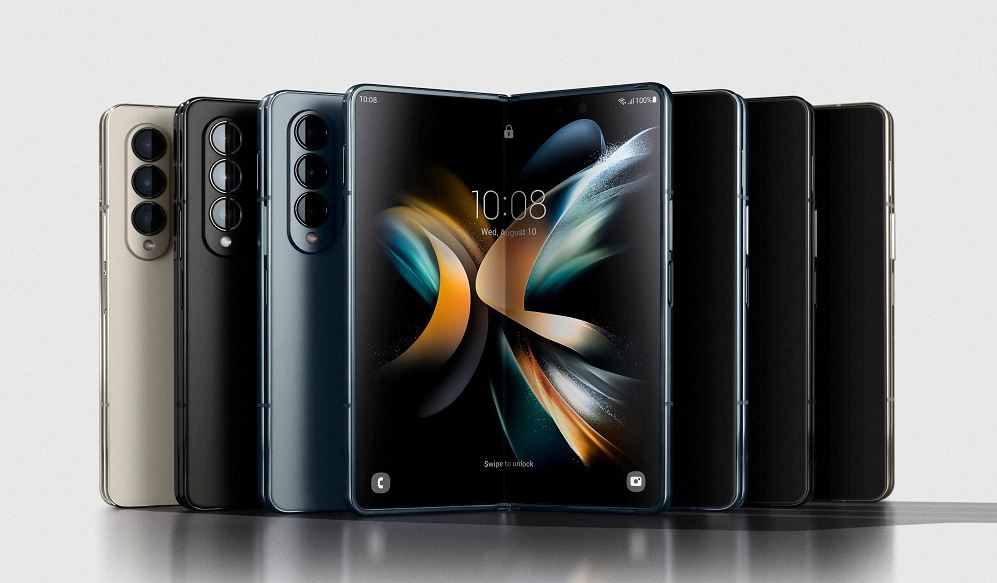
Samsung has introduced its most powerful smartphone this year – Galaxy Z Fold 4. The latest Fold 4 is powered by Qualcomm Snapdragon 8 Gen+ 1...
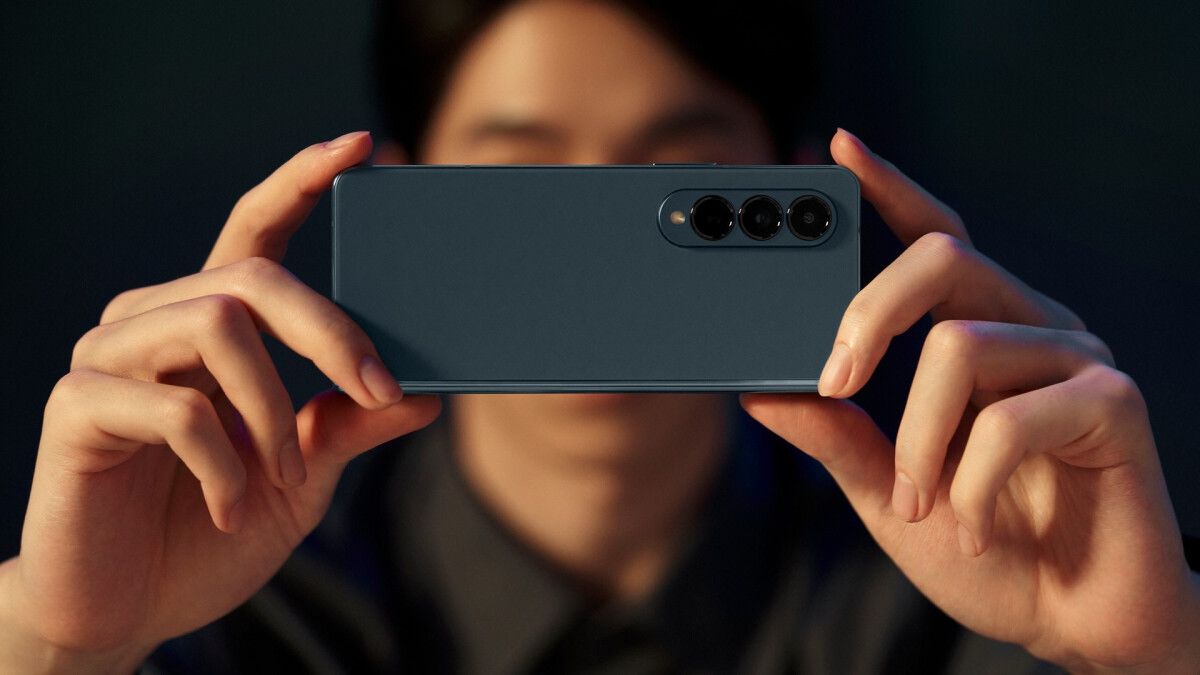
Samsung has introduced another member to its Galaxy Fold-series. The Galaxy Z Fold 4 is its triple rear camera setup alongside the battery capacity. The handset...
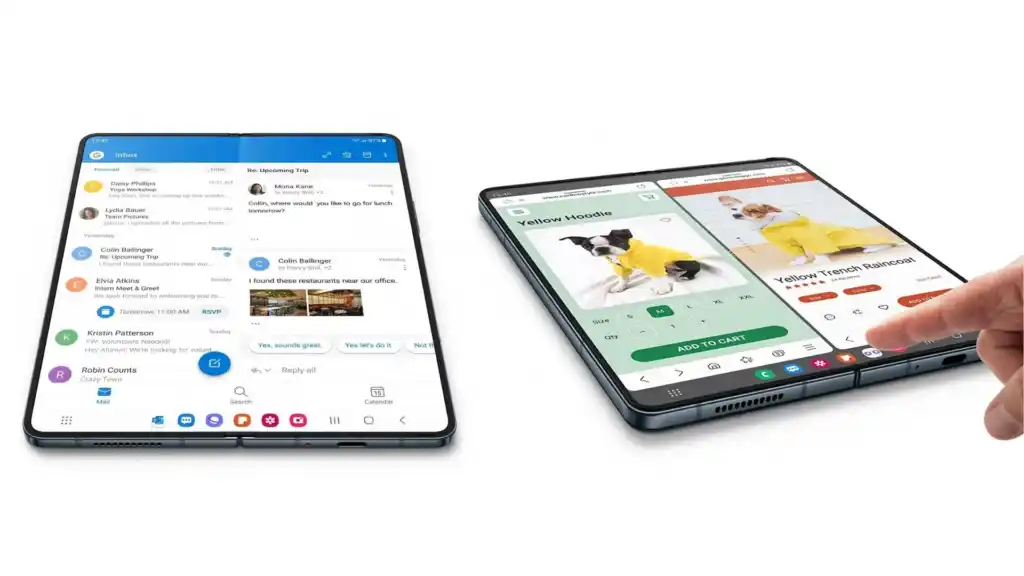
The One UI 4.1.1, which was inspired by the Android 12L OS, adds the Taskbar feature to the most recent Samsung foldable – Galaxy Z Fold...
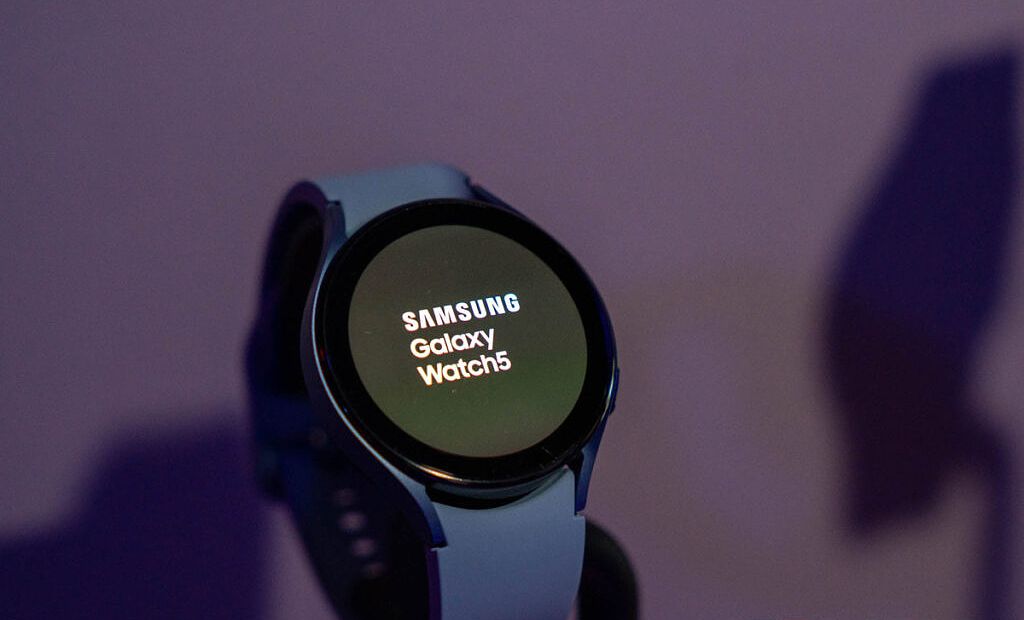
After seeing the official debut of the new Galaxy Watch 5 and Watch 5 Pro, the South Korean company’s new top-of-the-line smartwatches, let’s learn about some intriguing...