
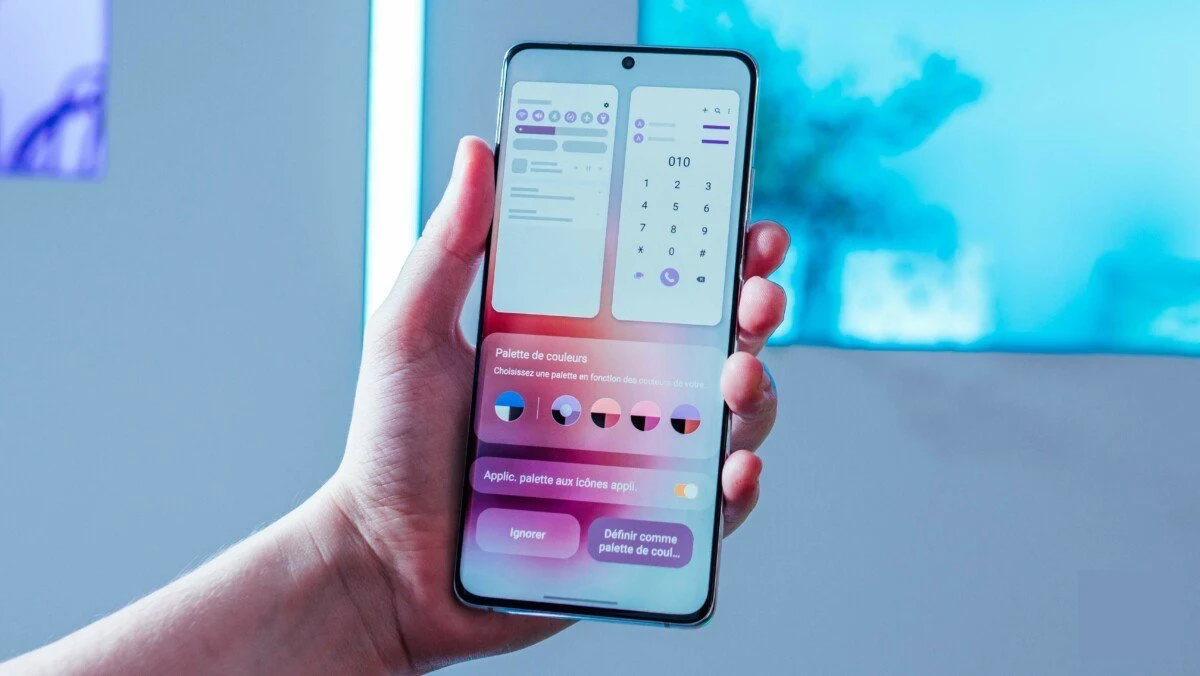
Samsung’s newest flagships can finally rejoice because the South Korean giant has just started releasing the One UI 5.0 beta for their Galaxy S22, Galaxy S22+, and Galaxy S22 Ultra smartphones. To know...
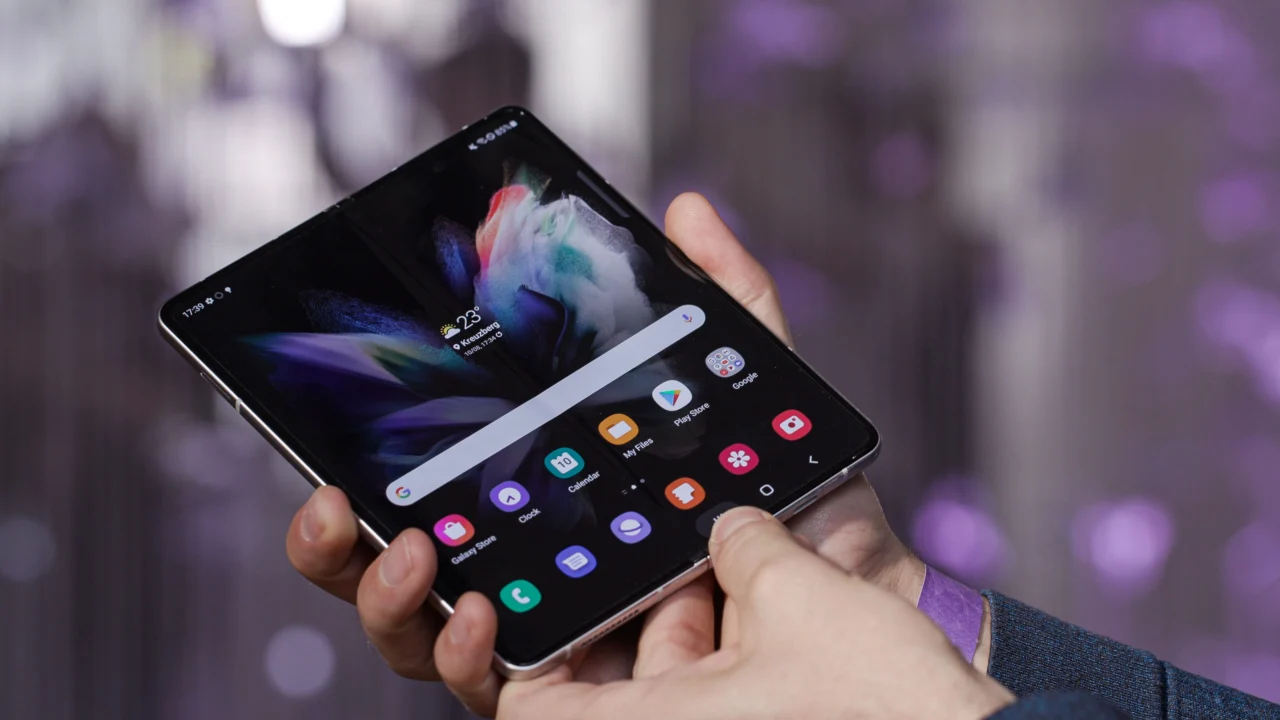
The Galaxy Fold 4 is most powerful smartphone this year of Samsung. It is powered by Qualcomm Snapdragon 8 Gen+ 1 SoC, boots on Android 12...
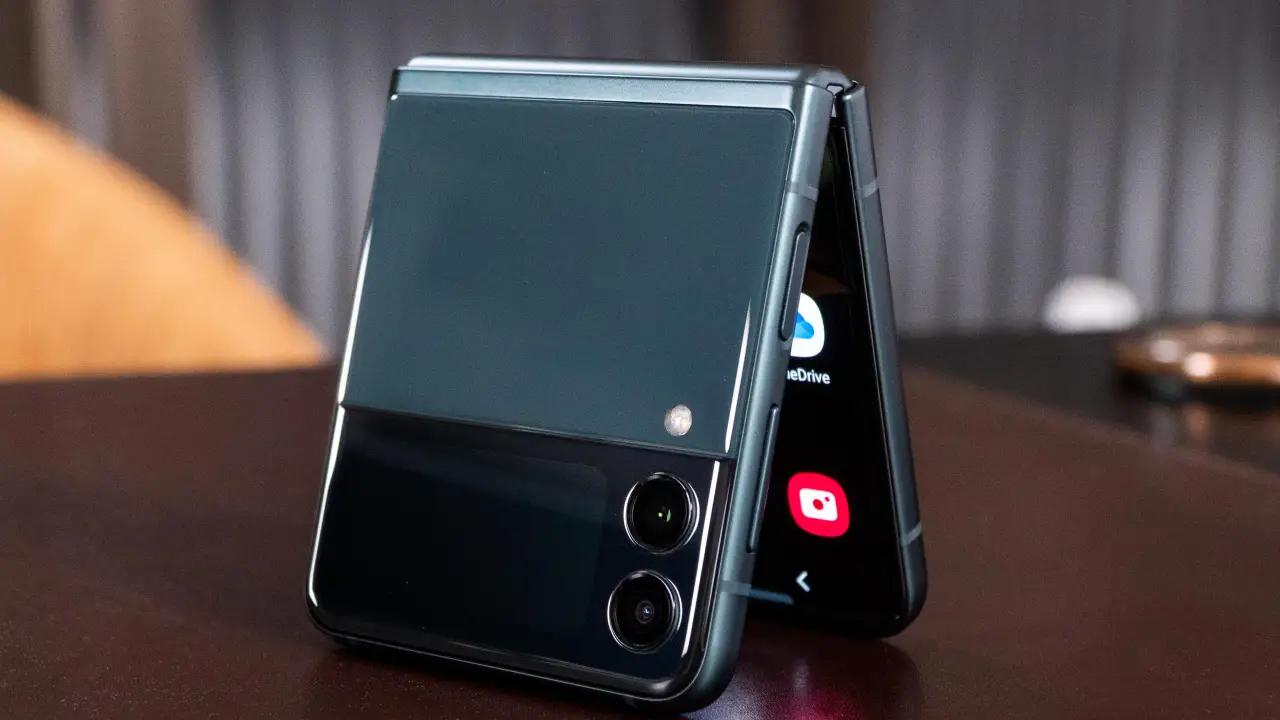
Samsung Electronics introduced the Galaxy Flip 4 back in August. The incredible 7.6-inch Infinity Flex display on this device is ideal for multitasking, watching movies, playing...
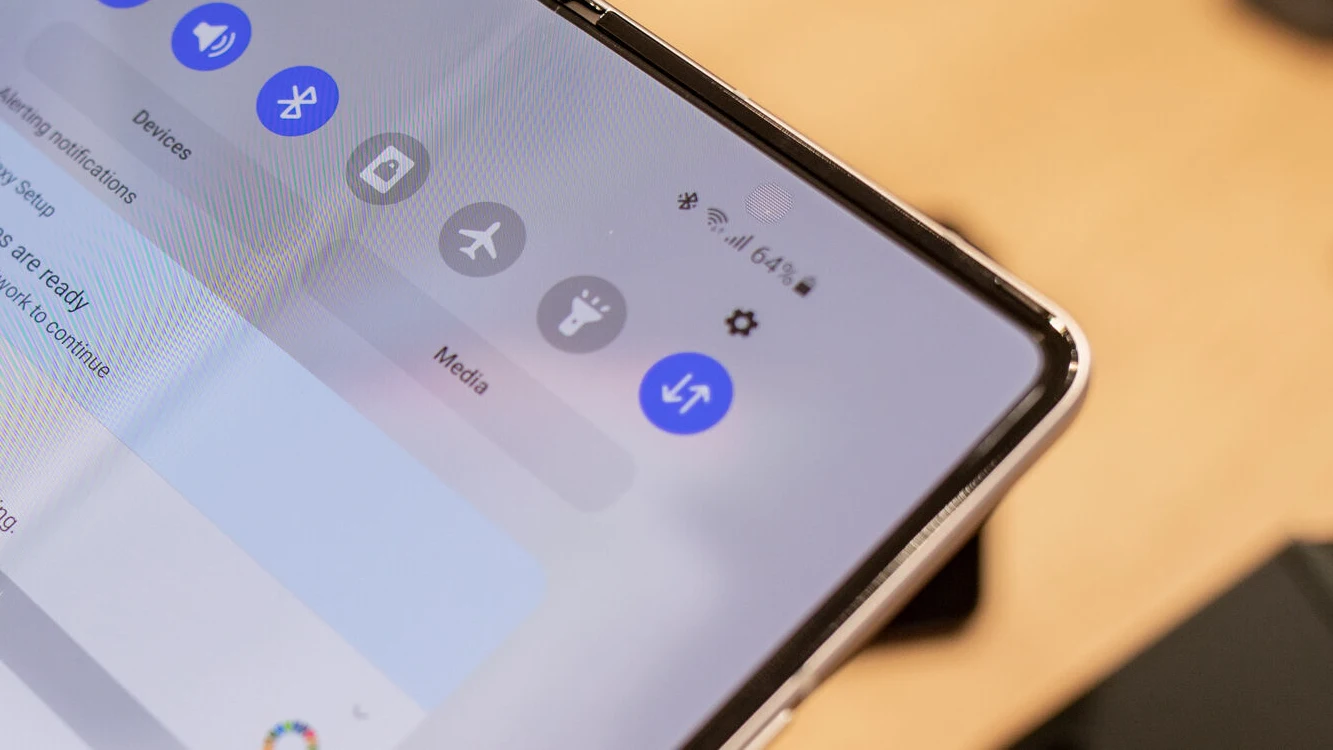
Samsung Electronics introduced the Galaxy Fold 4 back in August. The incredible 6.7 -inch Infinity Flex display on this device is ideal for multitasking, watching movies,...
Samsung’s One UI 4.1 is one of the most exemplary Android skins displayed on store’s fronts. Samsung provides the best customer interface and customization options to...
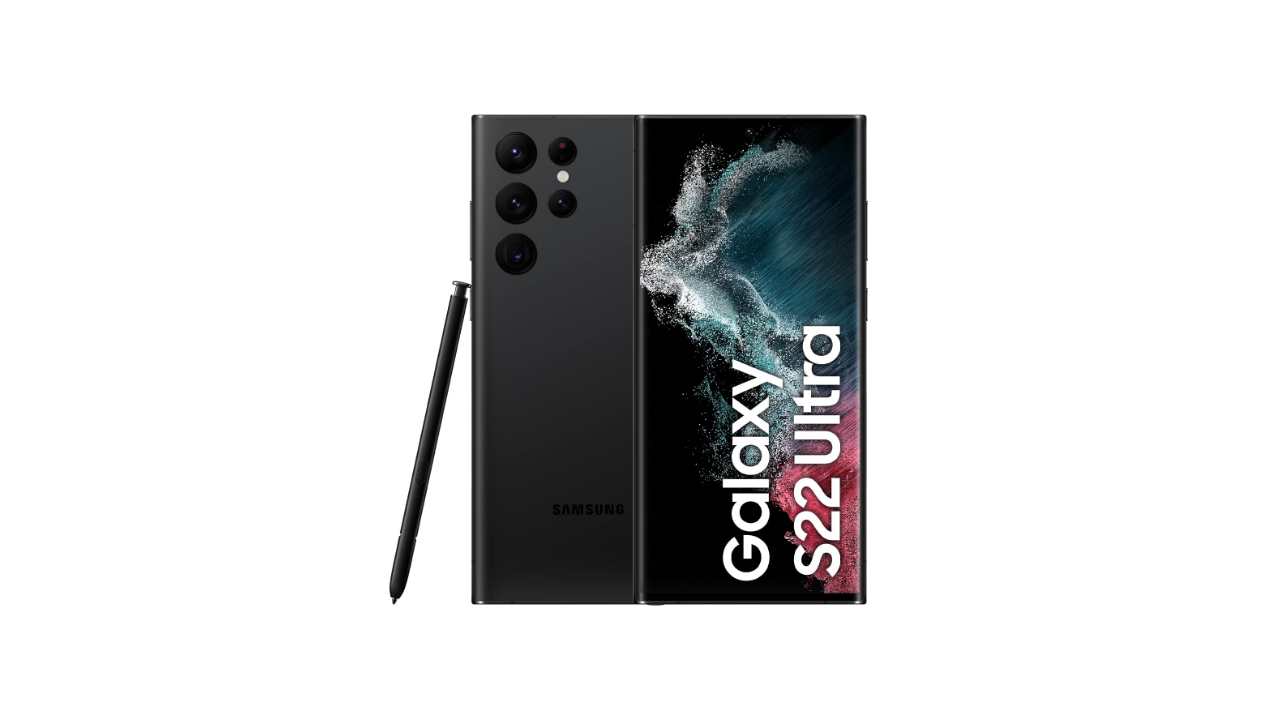
Samsung Galaxy S22 Ultra is a flagship device and comes with a large battery. You can expect good battery life with the S22 Ultra. In our...
Here is full guide how to add an existing Google Account on Samsung Galaxy S22 Series From a Home screen, swipe up from the center of...
Once you capture a screenshot you’ll be presented with the following options: Smart Capture Allows you to capture parts of the screen that are hidden. Crop/Draw Tag Tag...
If you are using a Samsung smartphone with One UI 5.0 based on Android 13, you can create a Secure Folder in your Galaxy smartphone. Here...
One UI 5.0 is the latest version of Samsung’s UI, based on Android 13. When you are using your Samsung Galaxy smartphone, you are sometimes facing...