
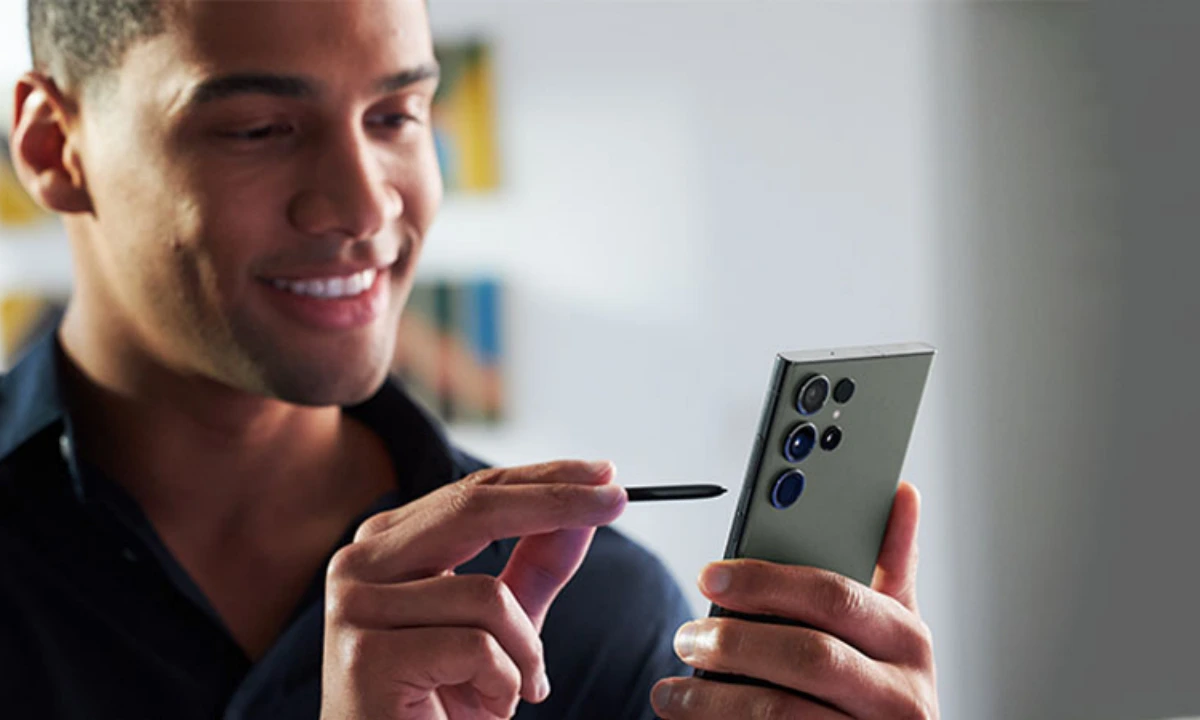
Samsung has always set the stage on fire by introducing some interesting and advanced technologies to all its Galaxy devices, which significantly helps in opening up...
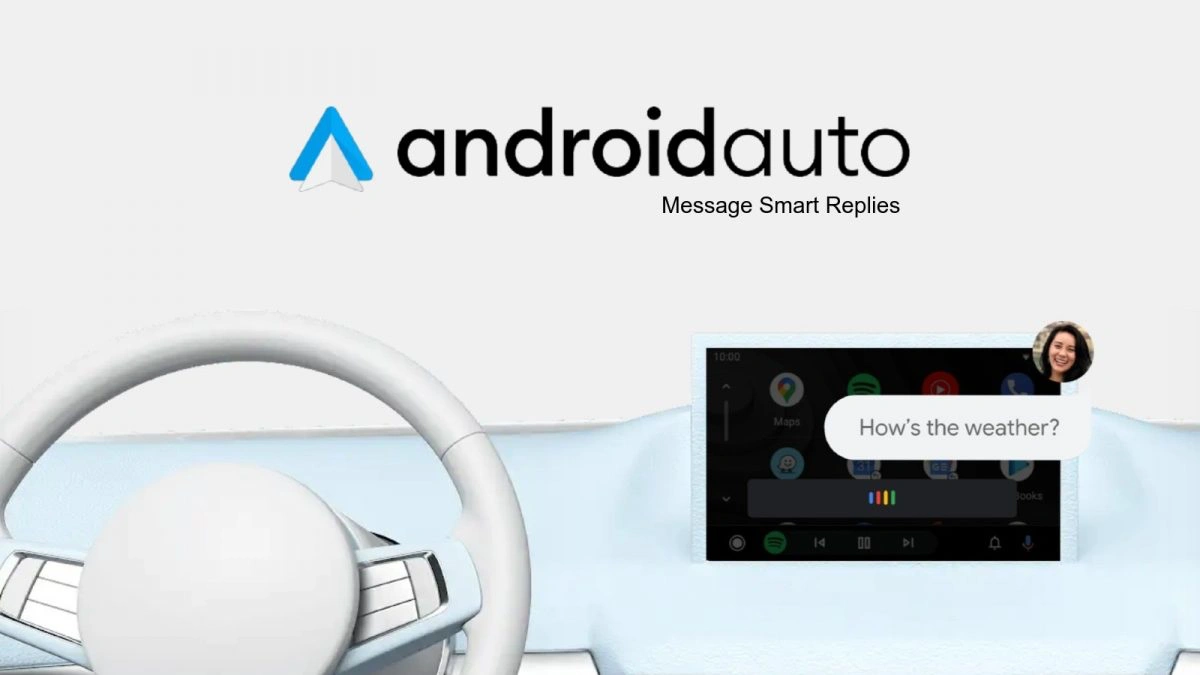
Google constantly provides several interesting updates to Android Auto in order to provide a much more intuitive experience to the users, and in the same sequence,...
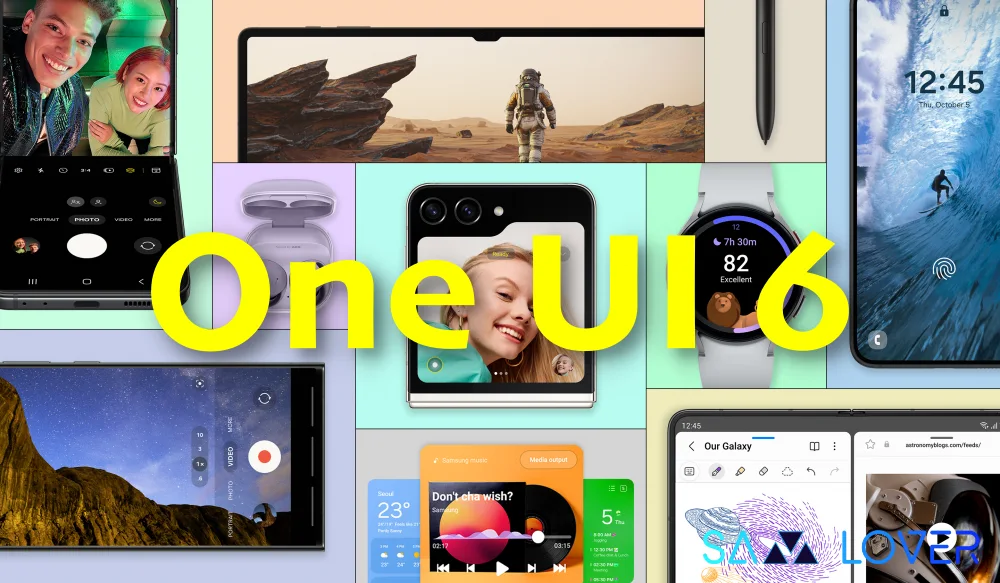
The One UI 6.0 update for the Galaxy S23 phones started rolling out a couple of days ago in Europe, Asia, and the Middle East. The...
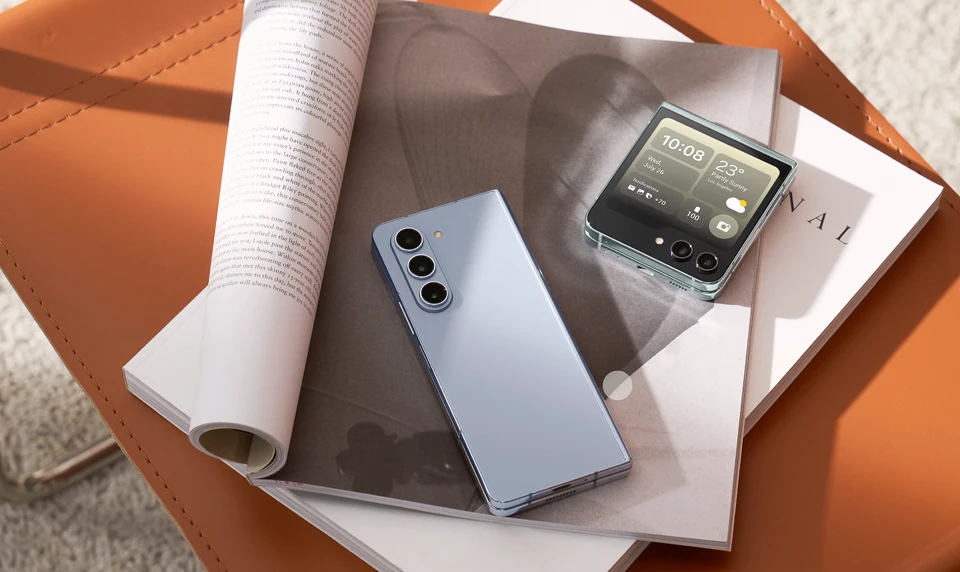
We wanted to learn how to change the device name on your Samsung Galaxy Z Fold 5 and Flip 5. No matter which smartphone brand you...
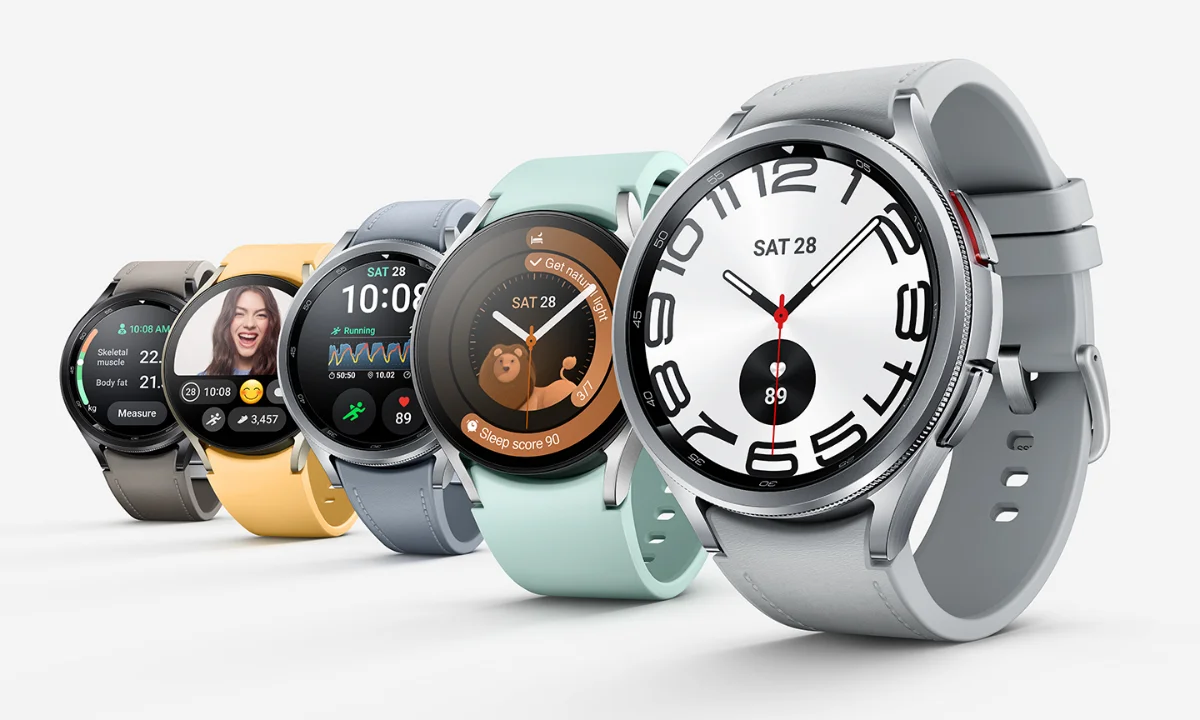
One of the most exciting and handy features is customization, and Samsung smartwatches are no different. Samsung’s highly customizable One UI skin offers the capability so...
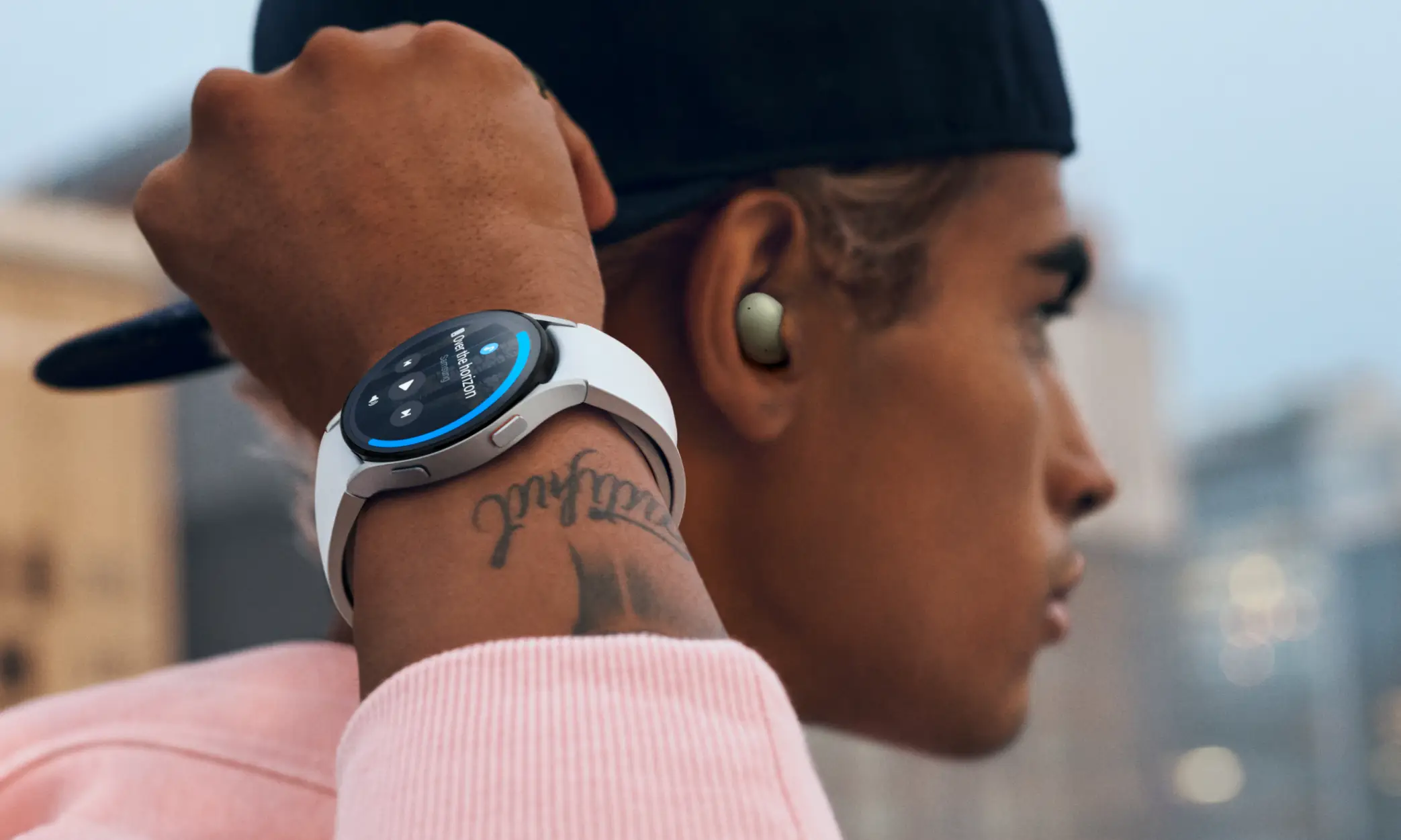
Samsung’s Galaxy Smartwatch lets you perform many essential smartphone functions directly through the watch when you don’t have your smartphone with you. Be it listening to...
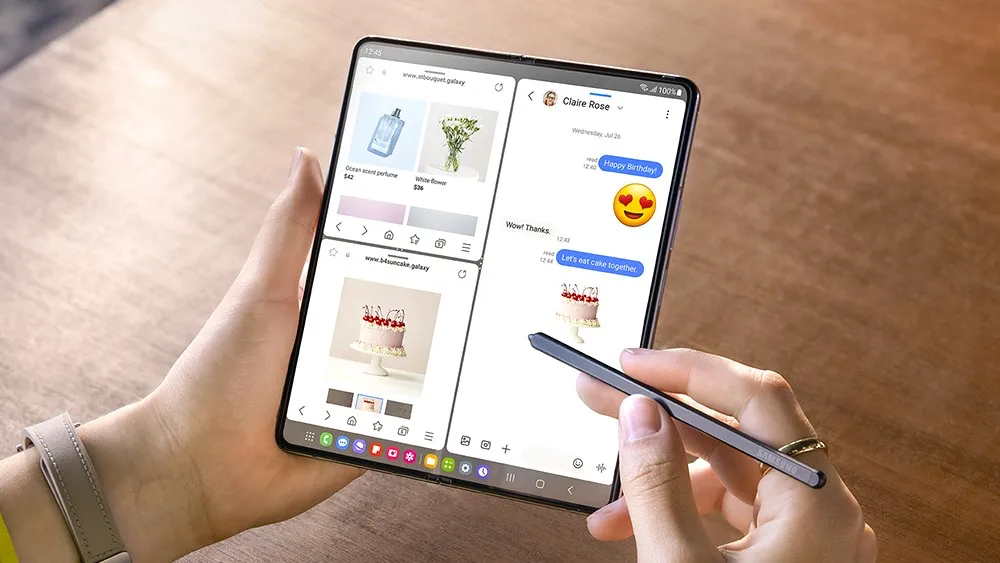
Have you ever deleted or swiped notifications from your smartphone screen to avoid distractions? Sometimes, we do this because we think it is not necessary. But...
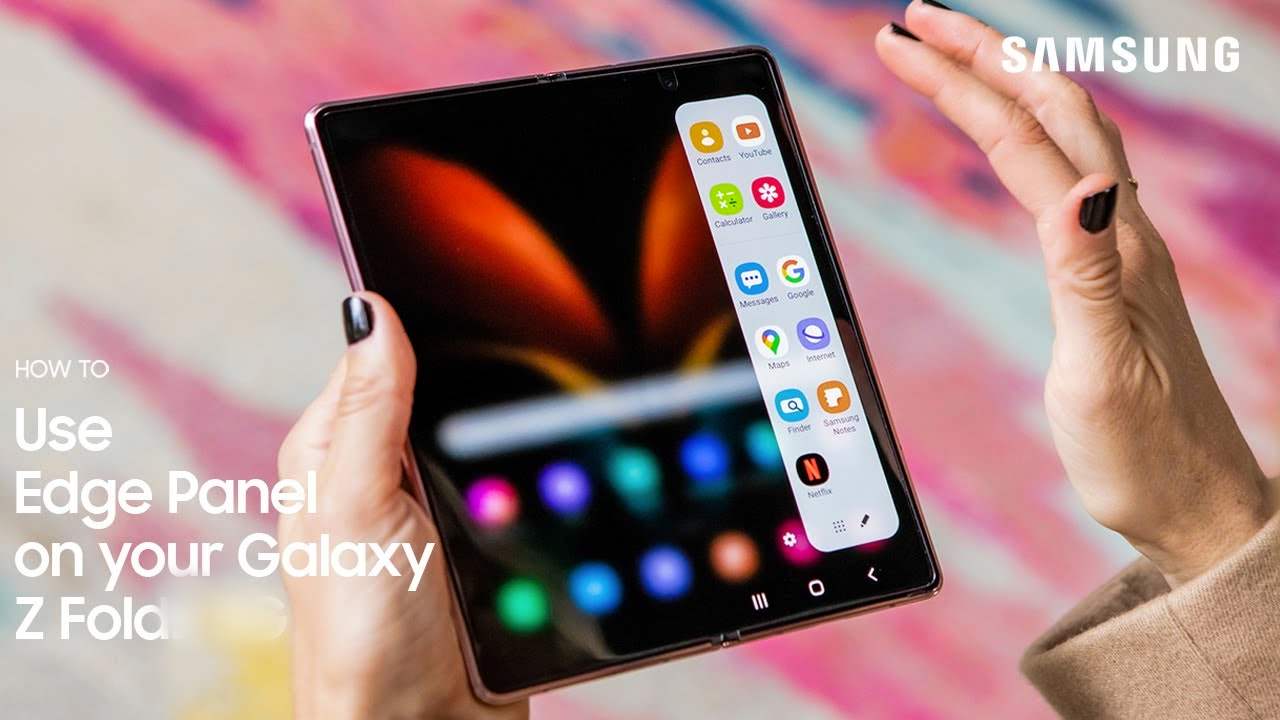
Samsung always ensures effective modifications with enhancements for each technology innovation, as with the Galaxy Z Fold 5 Edge panels. Edge panels have undergone some interesting...
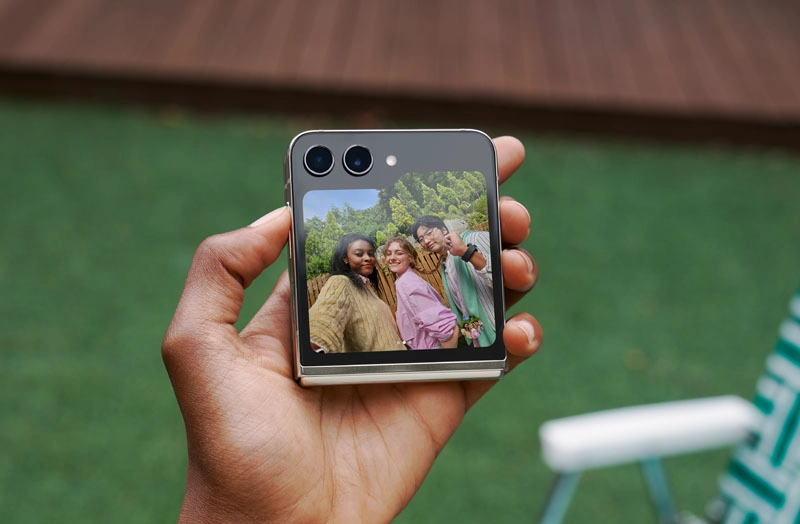
Samsung has designed the latest Galaxy Z Flip 5 device, keeping the modern and demanding audience in mind to provide users with a differentiated and unique...
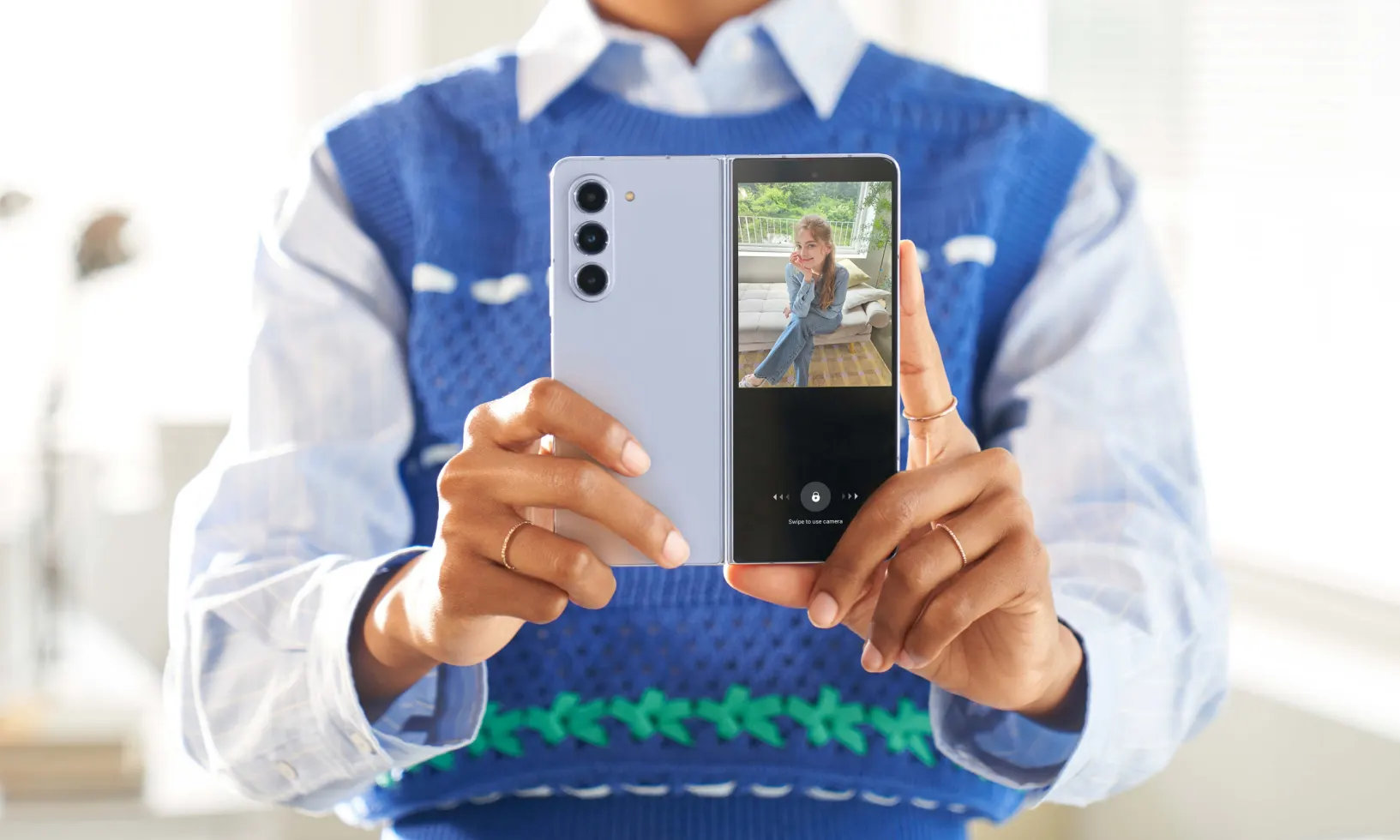
Samsung’s next-generation foldable smartphone, the Galaxy Z Fold 5, comes with several camera enhancements and features compared to its predecessor. Samsung has made some significant changes...