
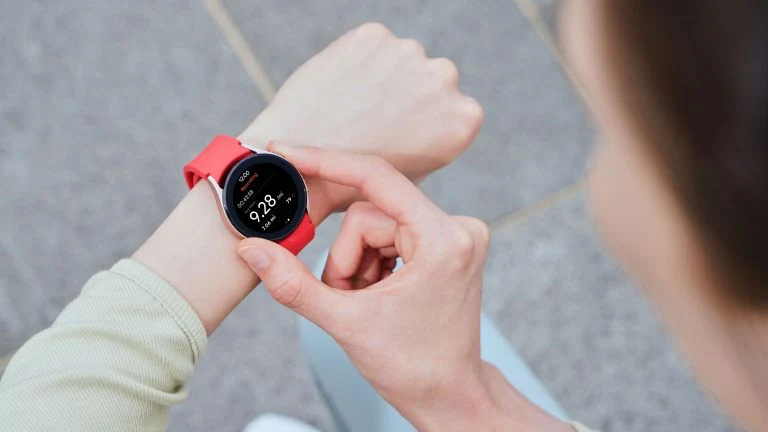
The South Korean company’s new top-of-the-line smartwatches, let’s learn about some intriguing information regarding the Galaxy Watch 5 Series. Samsung Galaxy Watch 5 and Watch 5...
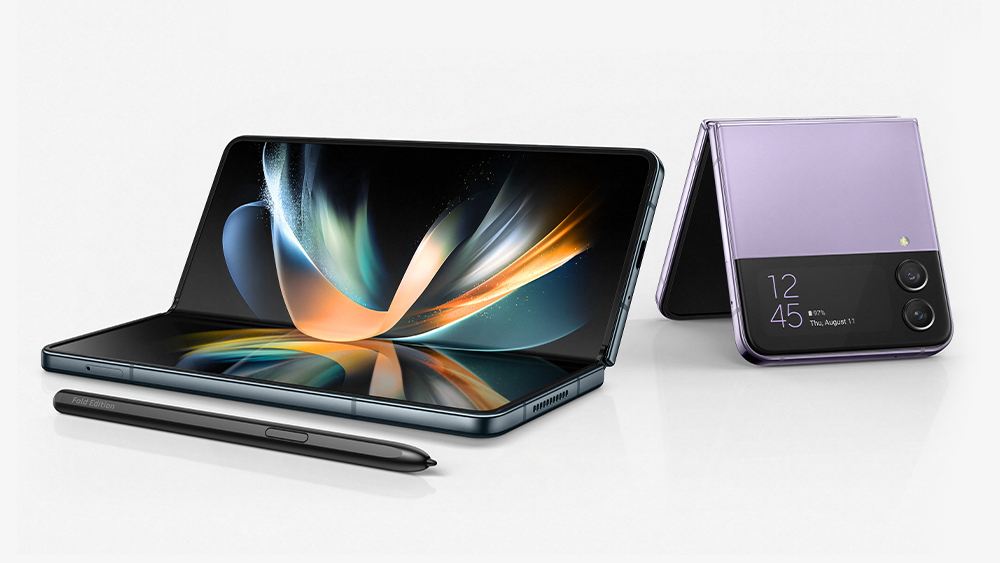
Learn, how to change device name in Galaxy Z Fold 4 and Flip 4. Regardless of the brand, it is something we rarely notice about our...
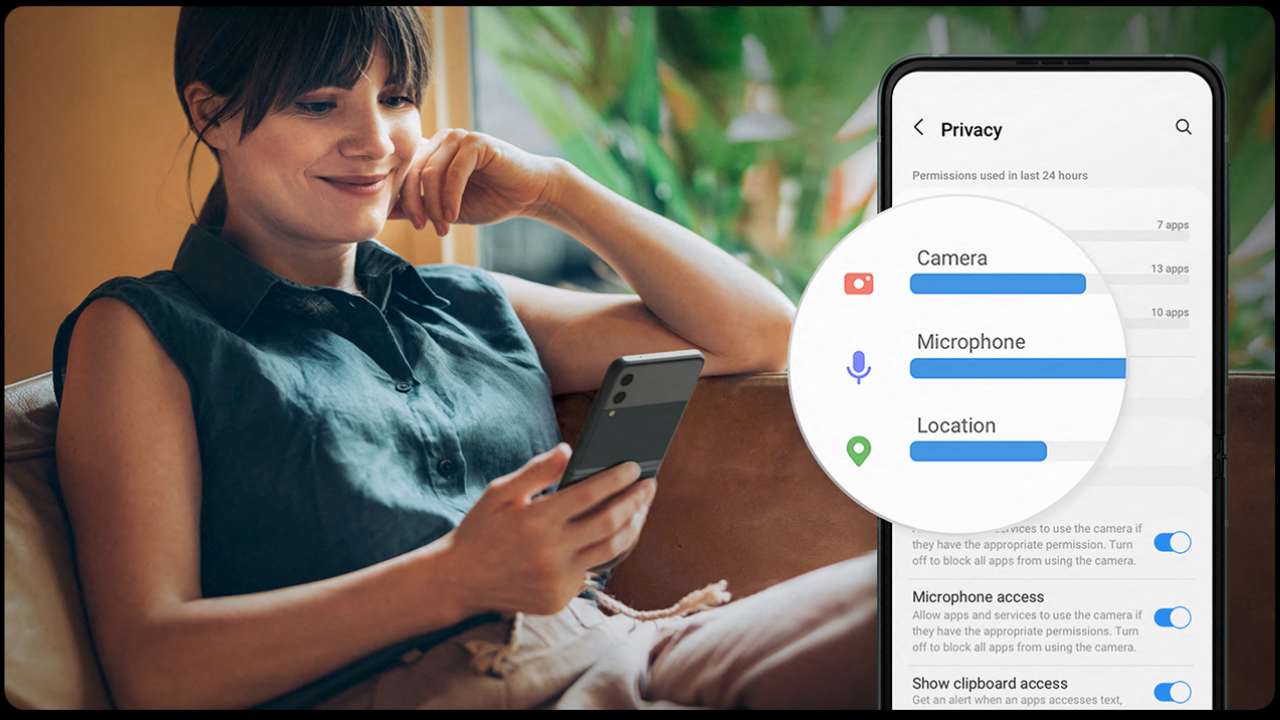
In May 2021, Google made the new Privacy Dashboard announcement and provided background information on the Android Developers Blog. “With this update, users will have easier...
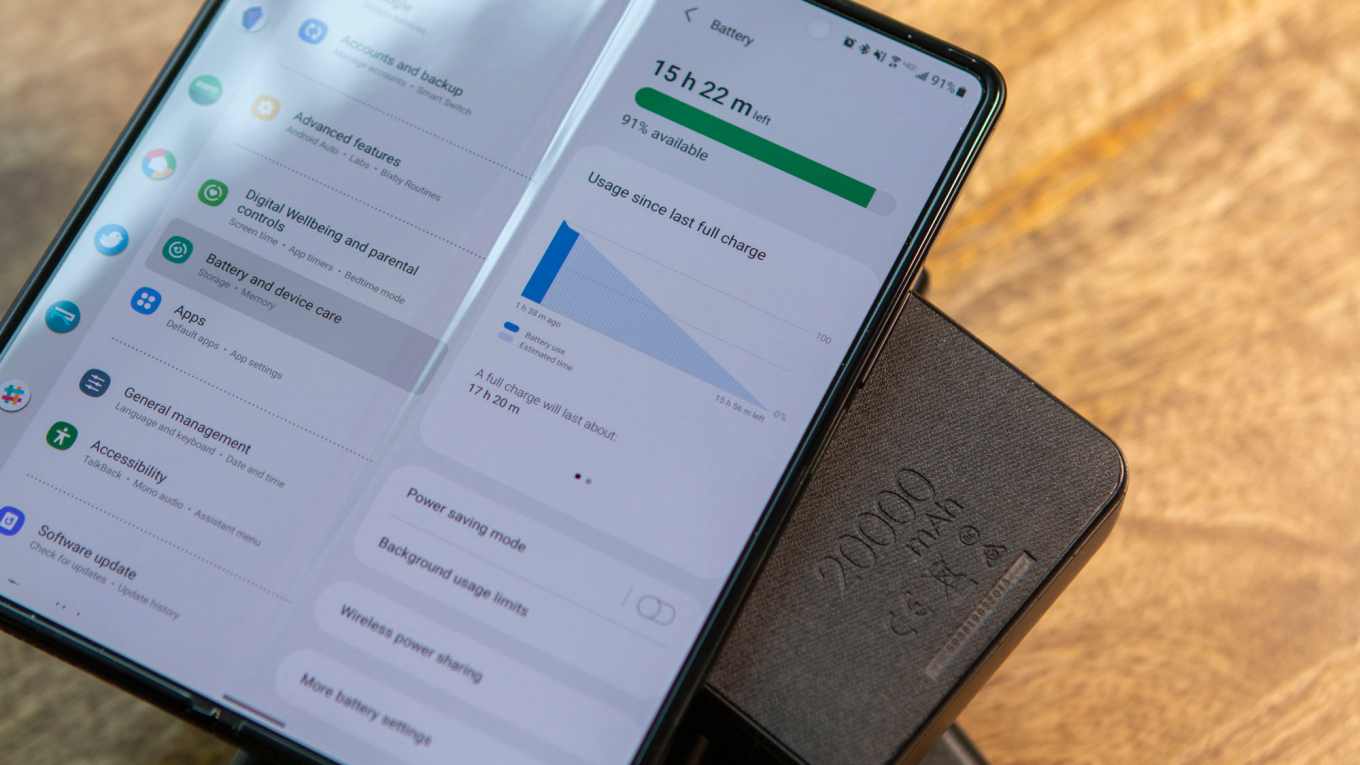
Battery status is a function that Samsung offers that, as we are all aware, may show either the precise battery life or the battery status. In...
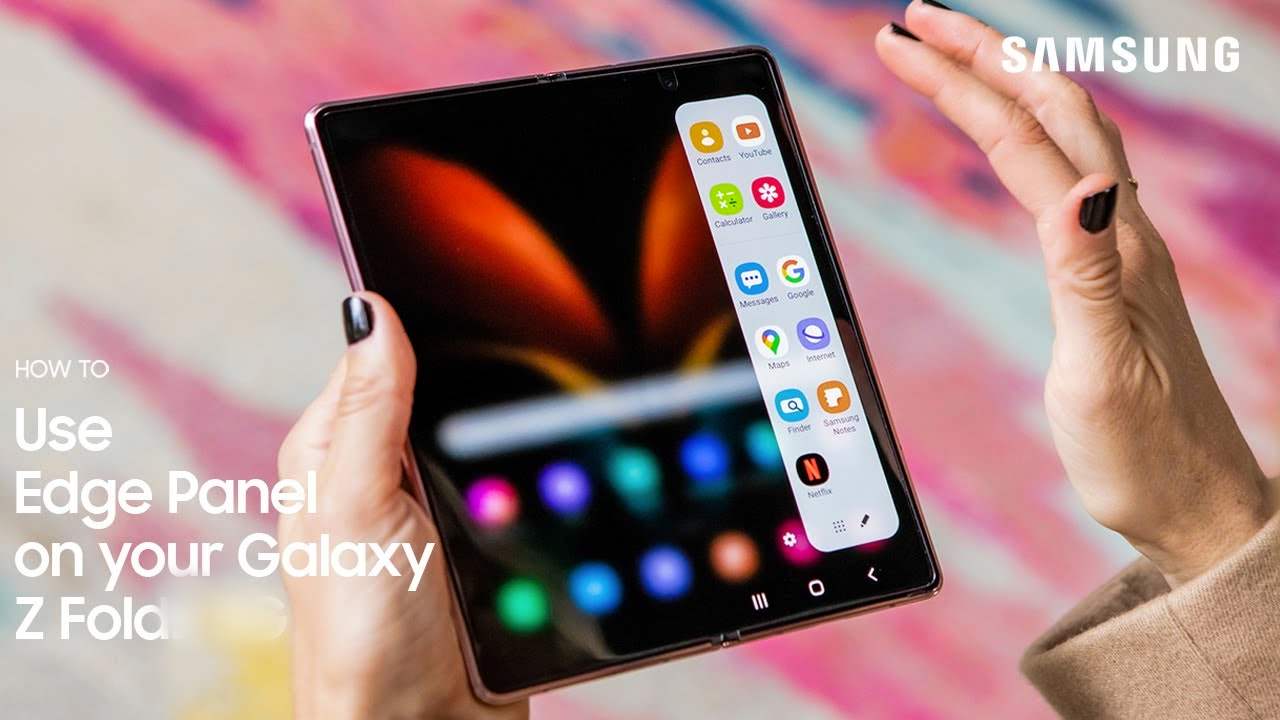
Want To Learn How To Customize Galaxy Z Fold 4 Edge Panels – Edge Panels debuted in Samsung devices with the launch of the Galaxy Note...
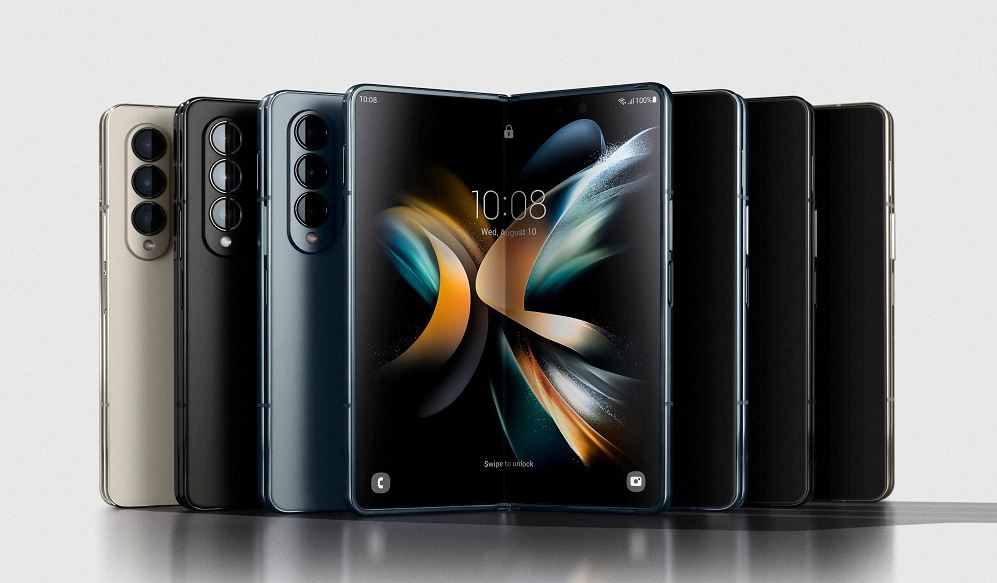
The One UI 4.1.1, which was inspired by the Android 12L OS, adds the Taskbar feature to the most recent Samsung foldable – Galaxy Z Fold...
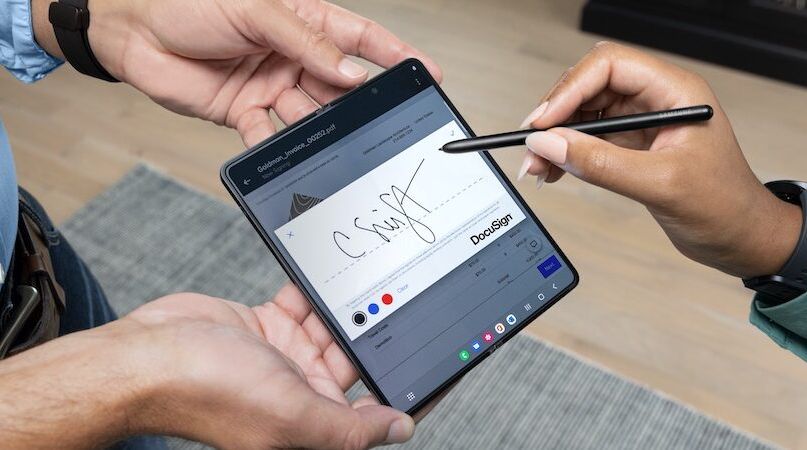
Want to learn the Galaxy Z Fold 4’s S Pen feature – The Galaxy Fold 4 is powered by Qualcomm Snapdragon 8 Gen+ 1 SoC, boots...
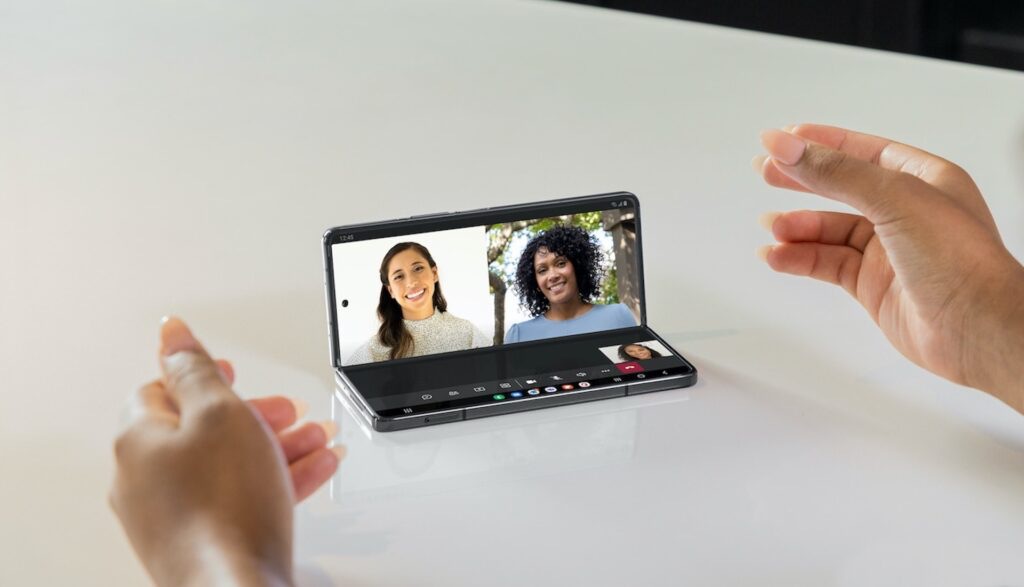
Do you want to learn about the Galaxy Z Fold 4 and Galaxy Z Flip 4’s flex mode, and want to enable for other applications, here...
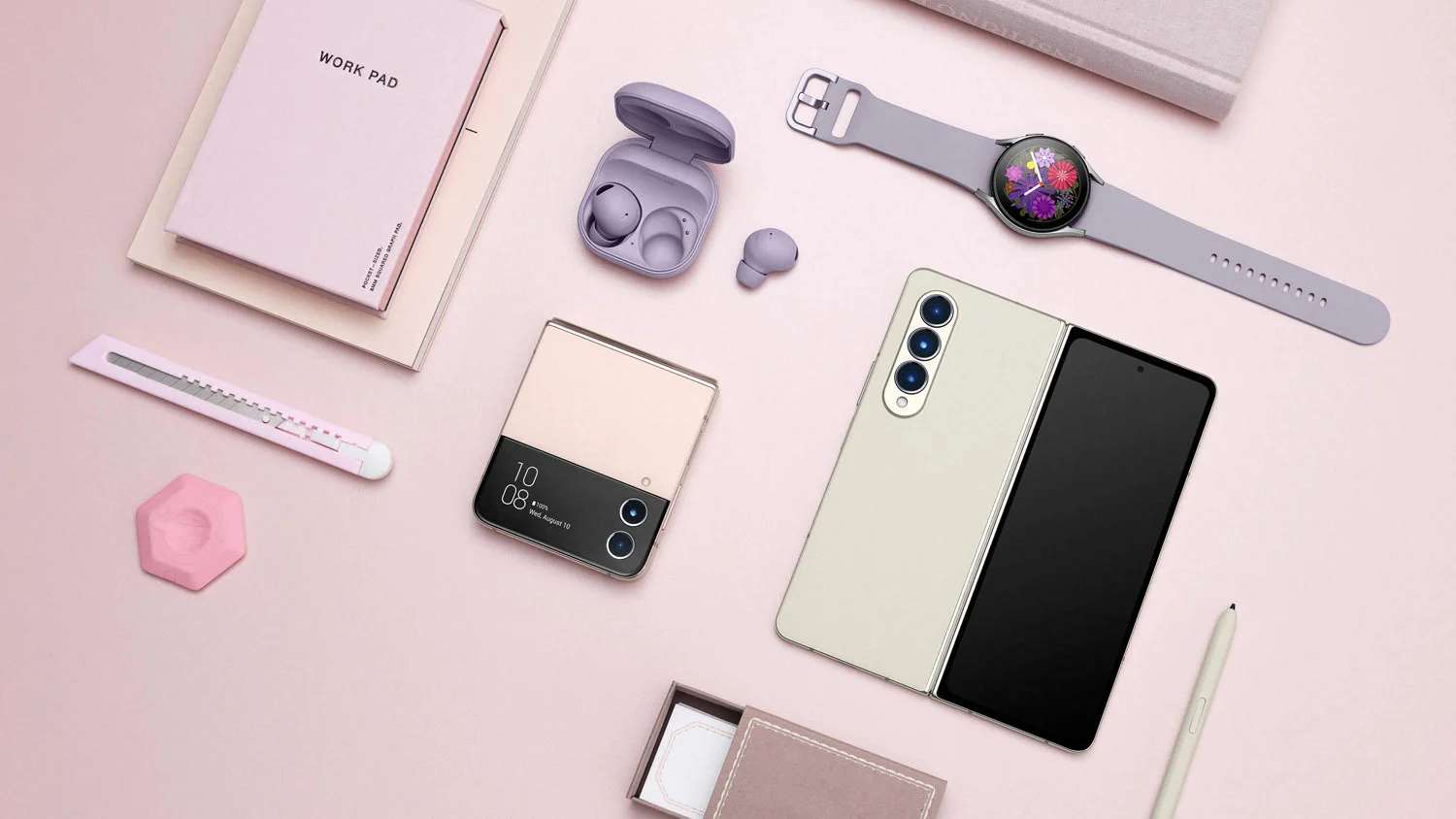
Learn, How to enable or use Dolby Atoms sound feature in Galaxy Z Fold 4 and Flip 4. The stereo speaker capability is already supported by...
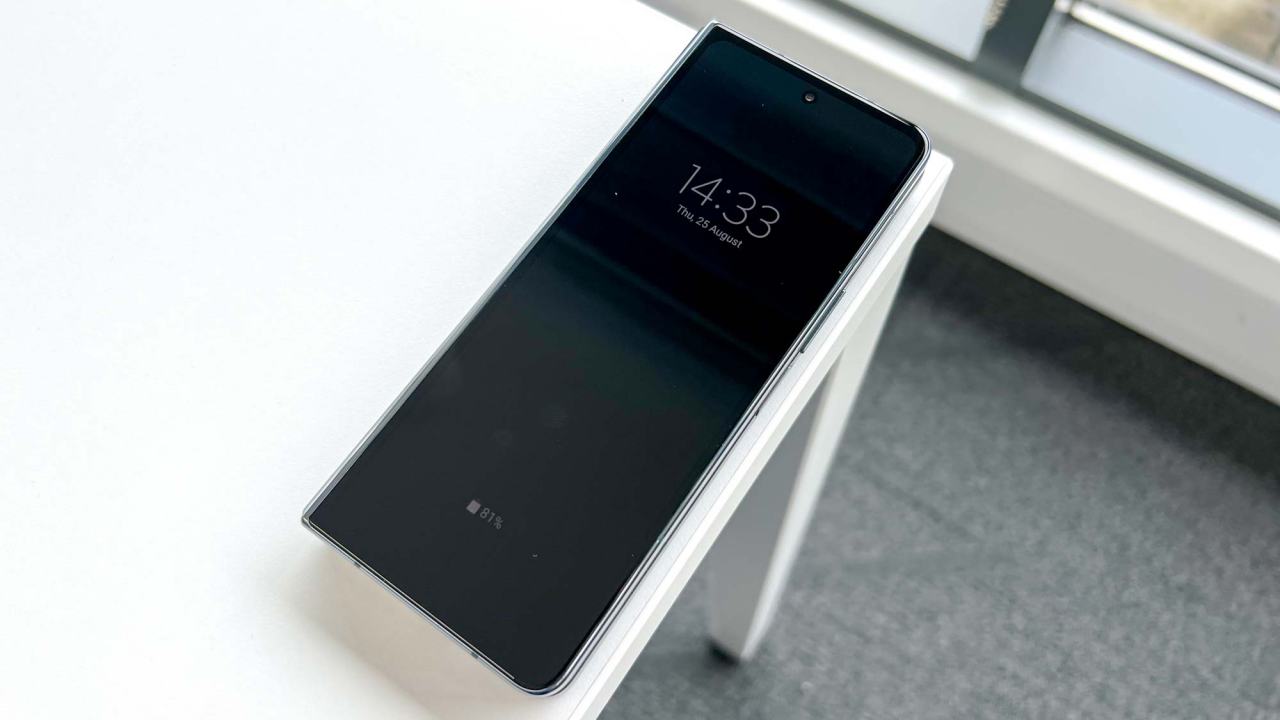
Learn about Galaxy Z Fold 4’s Always On Display and how to change what appears on your display. Samsung Galaxy Z Fold 4 is boots on...